Accessing Video Vault in Press Room App
Accessing Video Vault in Press Room App
This guide provides a straightforward method for accessing and navigating the Video Vault feature in the Press Room App, allowing users to easily view Video Vault content directly from Press Room App. By following the simple steps outlined, users can quickly access a variety of Video Vault content related to their desired players and their games. It's an essential resource for users looking to enhance their viewing experience with engaging video clips.
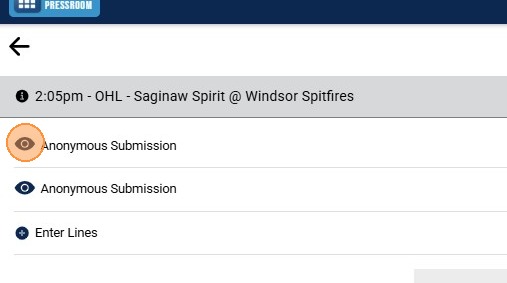
1. Click the "Eye" Icon to View Lineup(s) for Selected Game
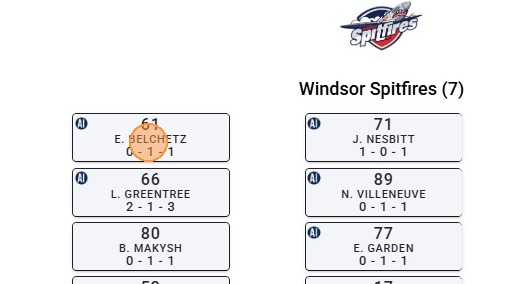
2. Click on the Player's Name Tile to Open Information Tabs
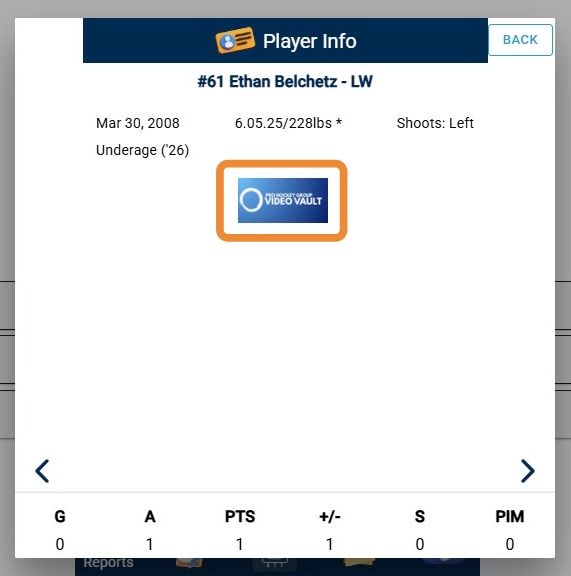
3. Click on the "Video Vault" Icon on the Player Info Tab to Open Page on Video Vault Content
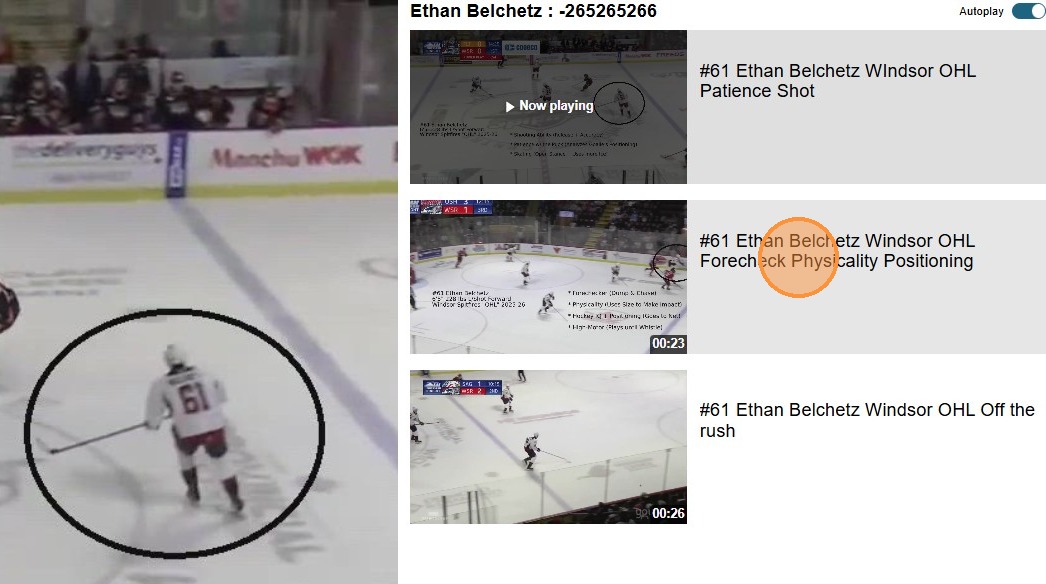
4. A Webpage Will Open of Available Video Vault Content to View (Click Play to View Video)
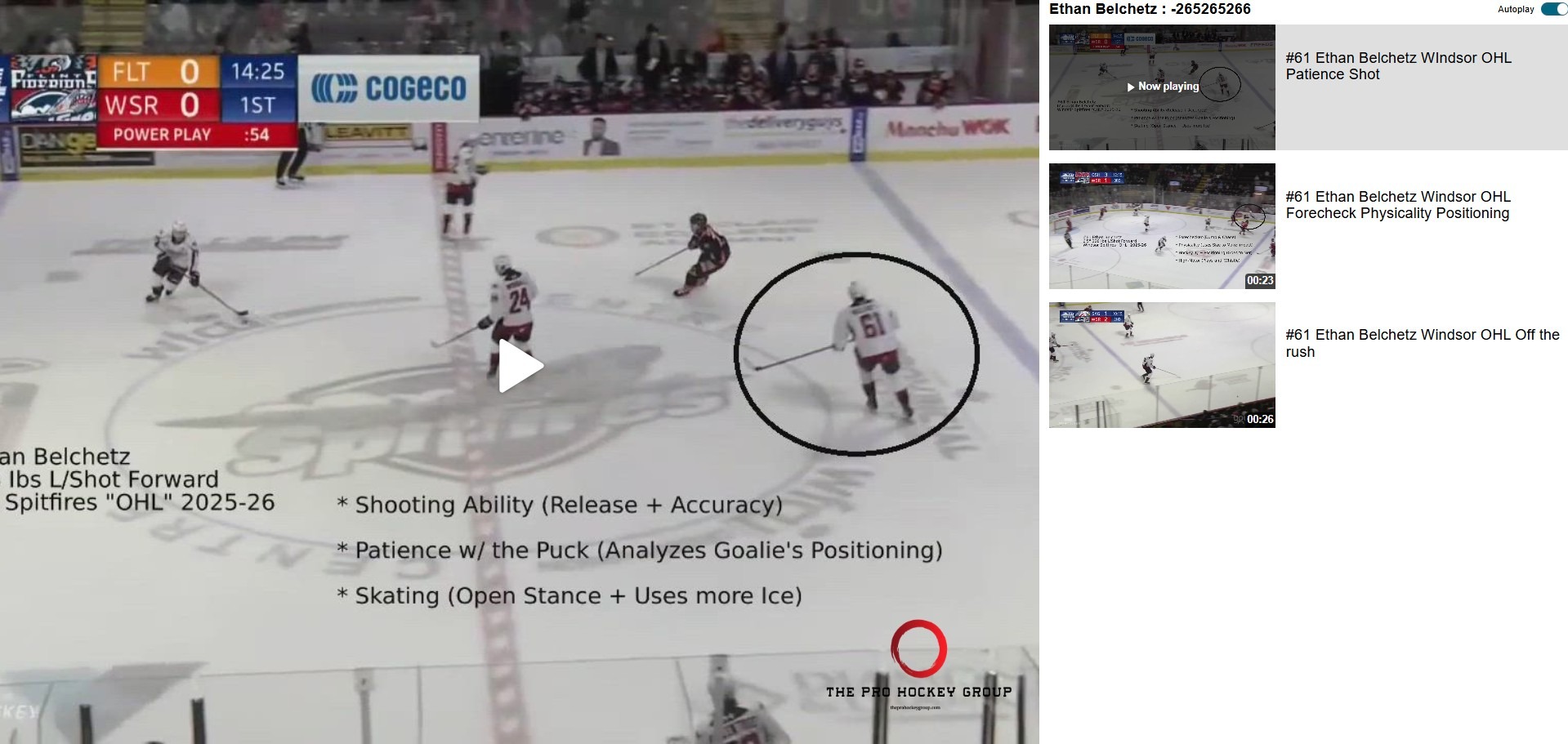
5. To View Additional Video Vault Clips, Click on Next Video Along Right Side of Screen (or Below Current Video When on Mobile)