How to Create an SPA WIJHL
How to Send a WIJHL Standard Player Agreement
The WIJHL SPA process has now been updated so that the Team initiates the contract review prior to register. Player no longer need to register first. If you have already sent the registration links to a player, they will now see a warning to contact the team to have them initiate a contracts, so they can no longer register without first getting the terms of the contract for review.
The new workflow is as follows:
- Team initiates a contract in RinkNet DocumentCenter
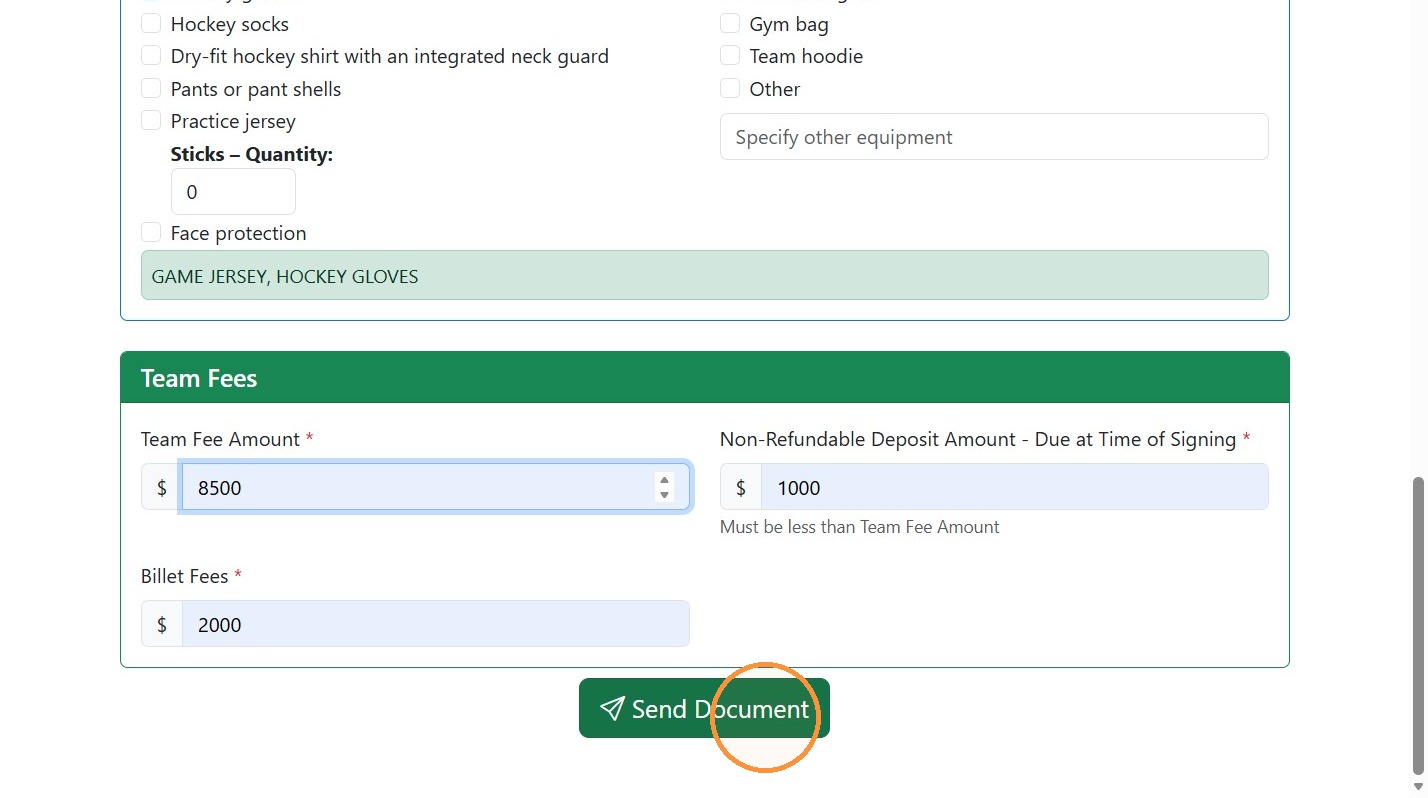
- Team selects the Equipment and Team Fees
- E-mail is sent to Player and Guardian with the contract template along with the Equipment List and Team Fees for review.
- The Player, Guardian and Team are copied on this email.
- Player clicks a button to Register if the Player Agreement terms are accepted.
- Player will be directed to the league registration page to pay the league registration fee.
- They will complete their Player information
- They are also required to provide proof of Citizenship and Medical Insurance
- Once payment is confirmed, an agreement is automatically created and routed for signature as follows:
- Guardian
- Player
- Team
- League
- Once all parties have electronically signed, the agreement is completed.
How to initiate a WIJHL Standard Player Agreement in RinkNet
1. Navigate to https://accounts.rinknet.com/ and login and click on your Contracts tile.
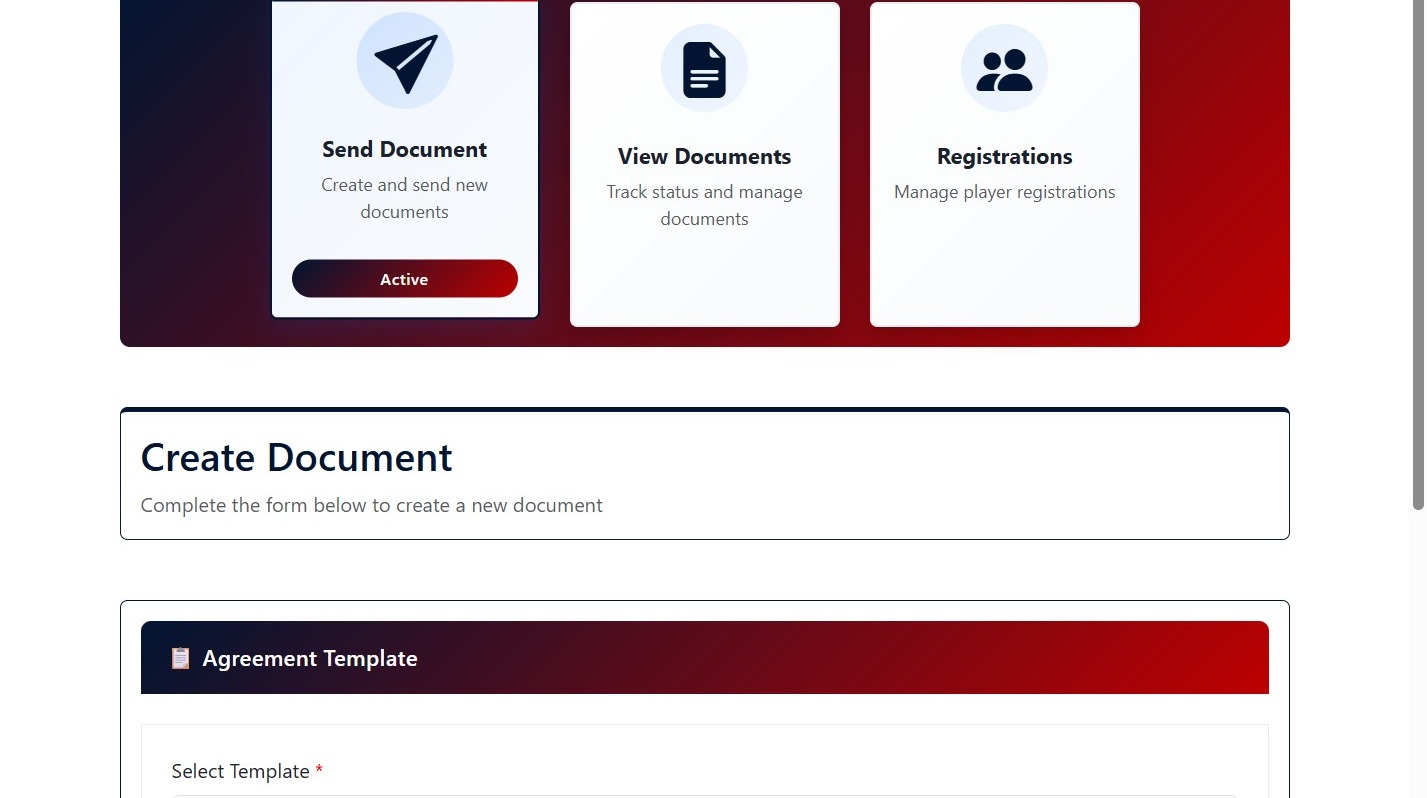
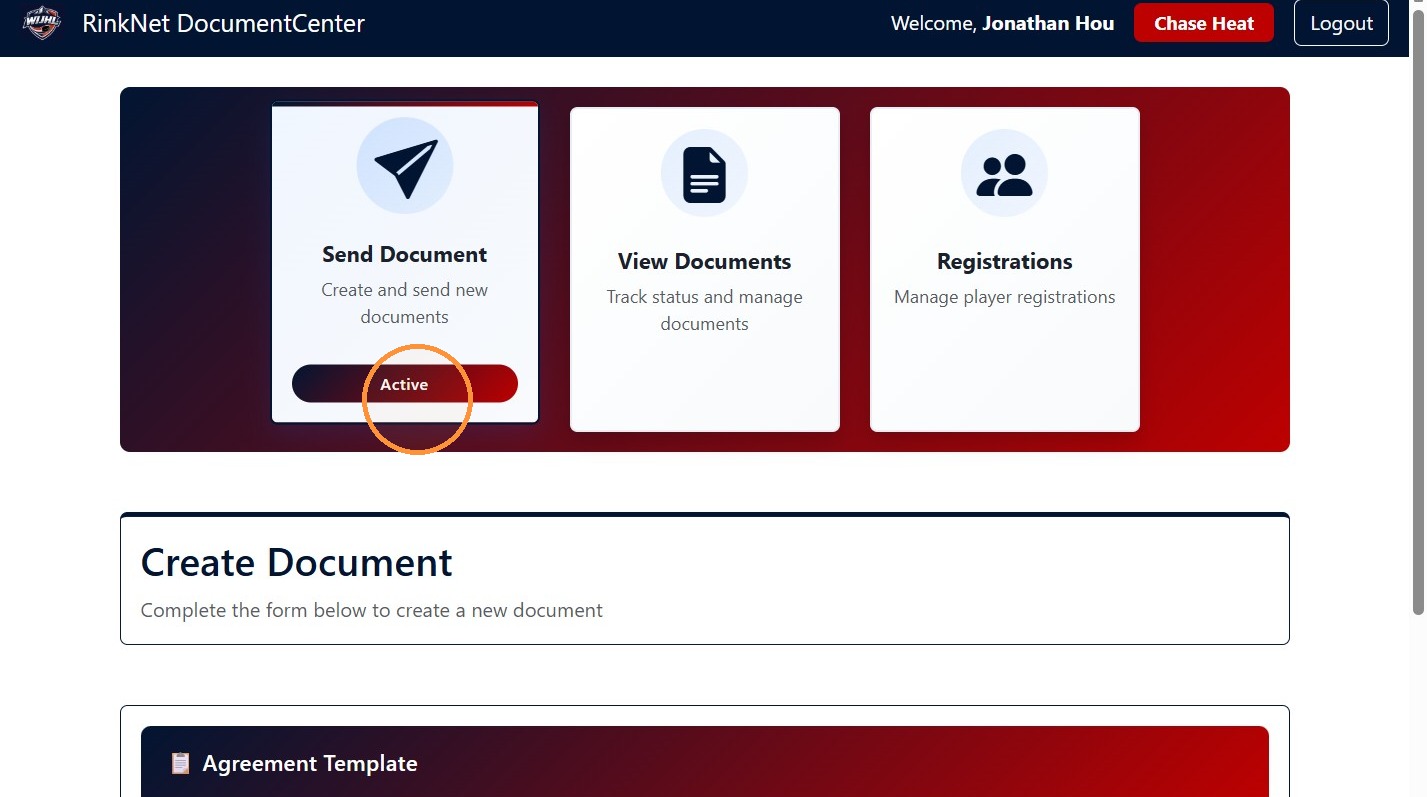
2. Click "Send Document"
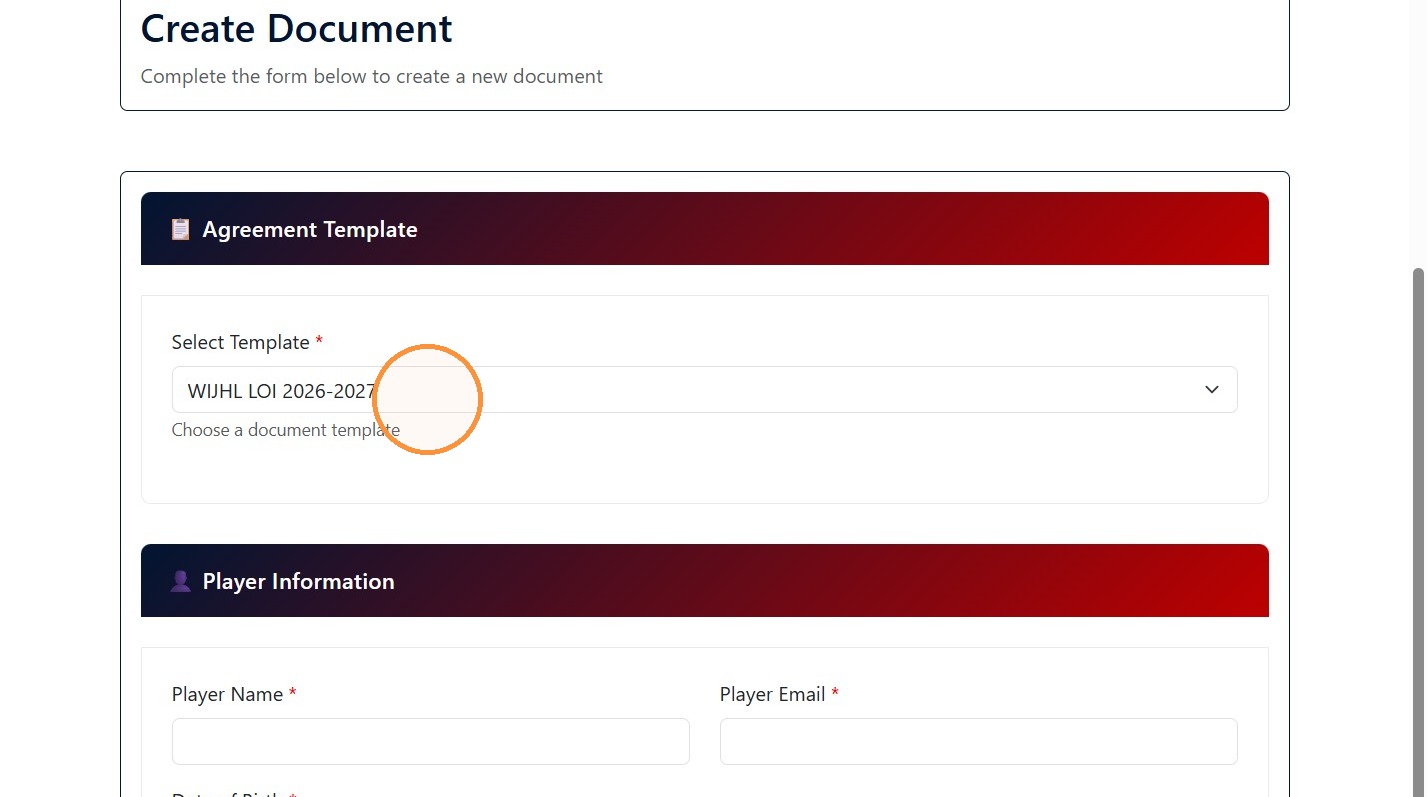
Template Selection
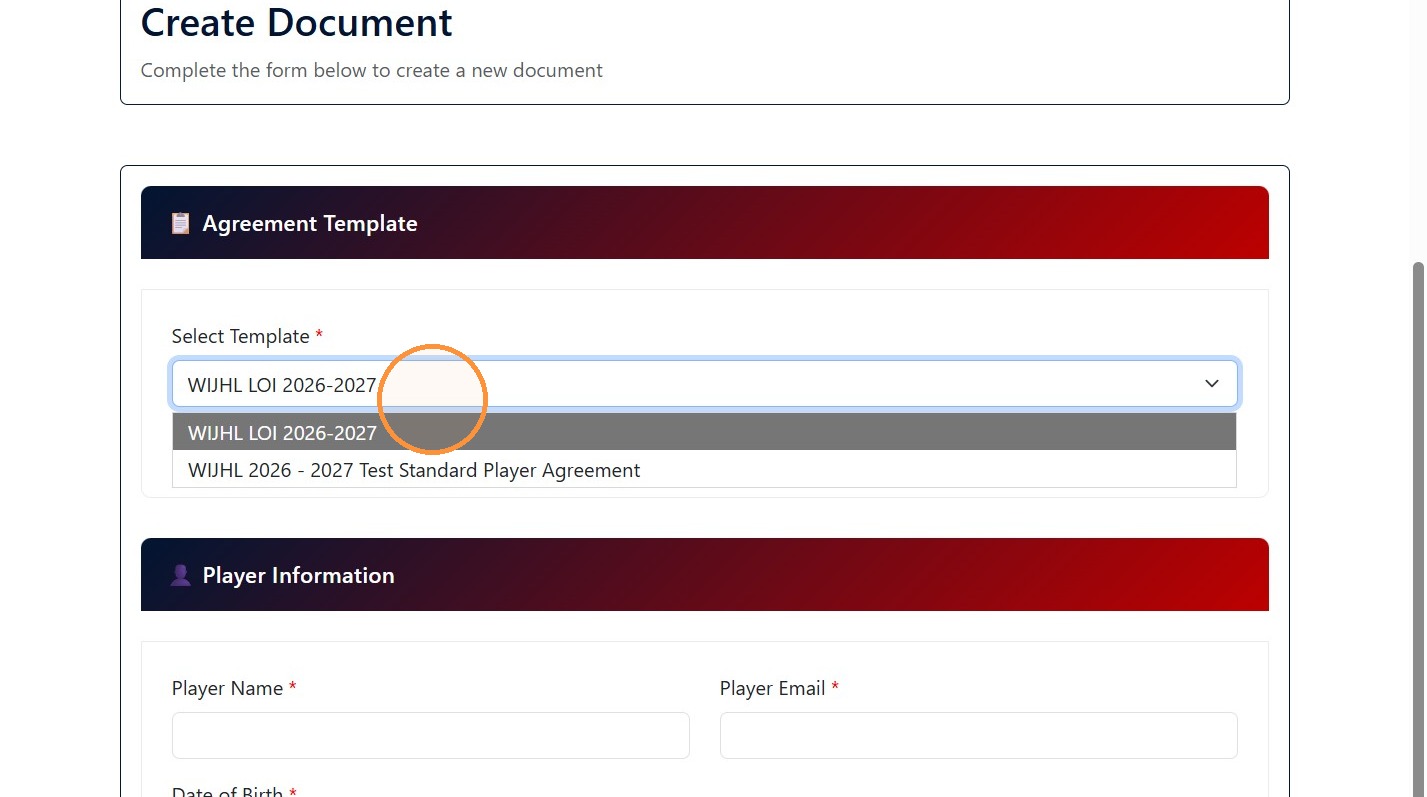
3. Select 'WIJHL 2026 - 2027 Standard Player Agreement' from the 'Select Template' dropdown to initiate an SPA.
Participant Information
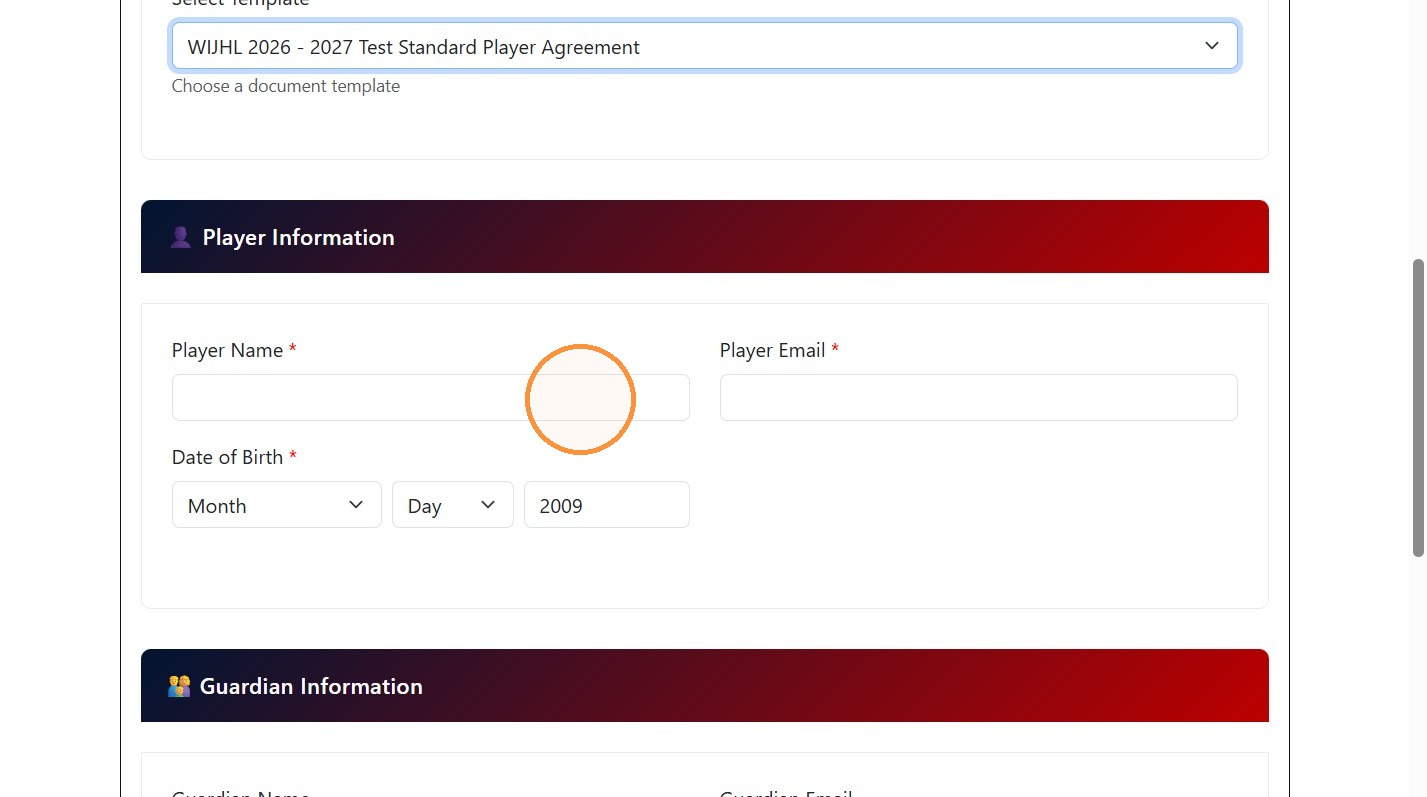
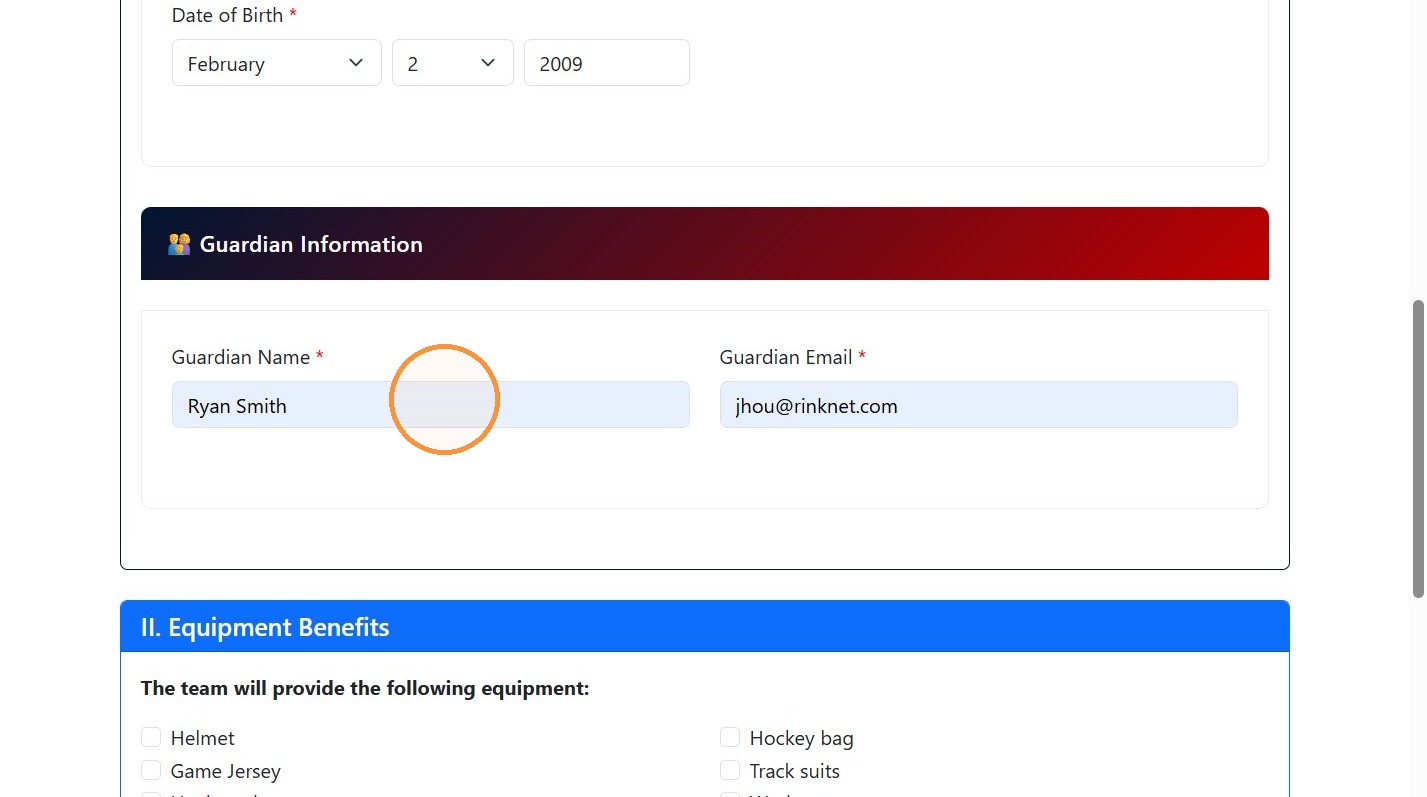
4. Fill out the 'Player Information' and 'Guardian Information' sections.
Benefits and Fees
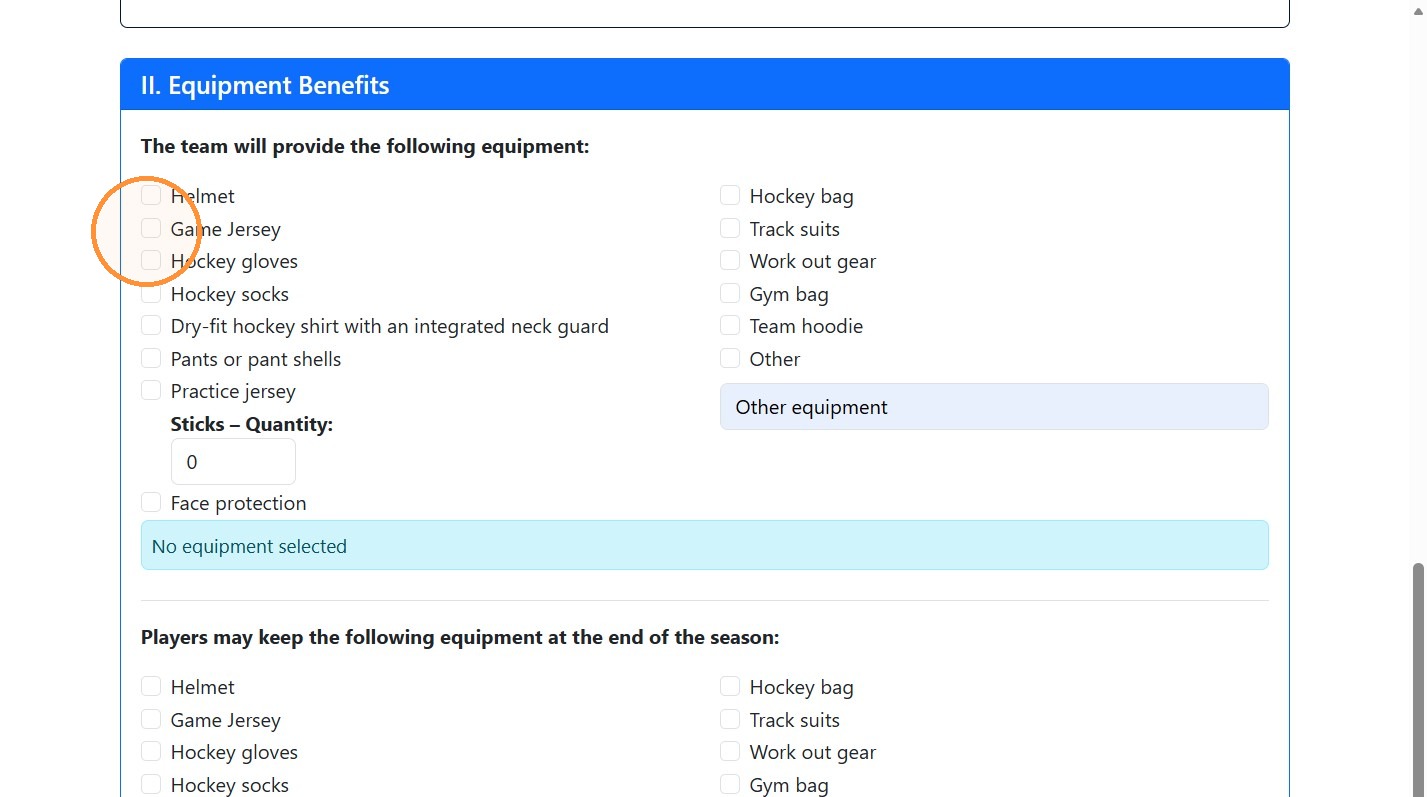
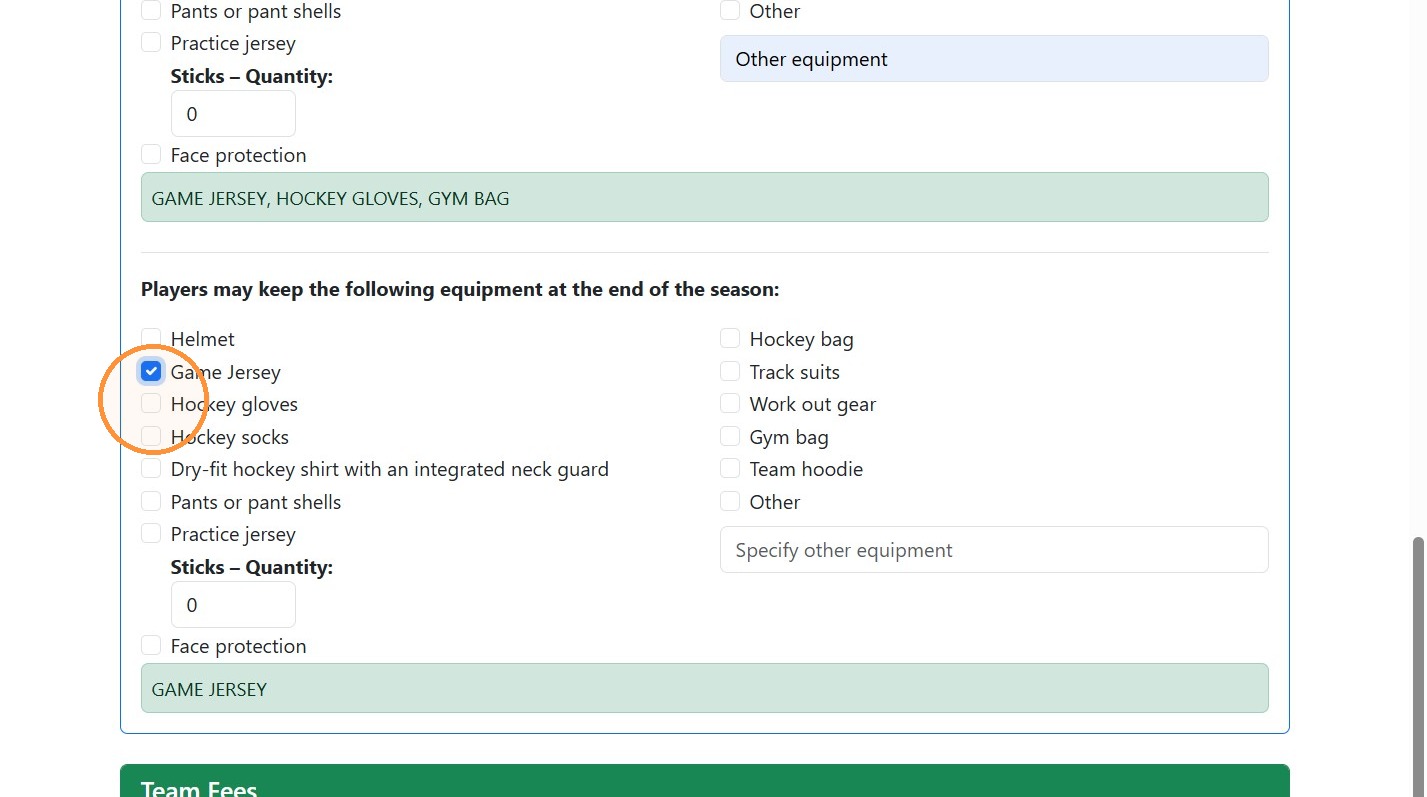
5. Select the Equipment benefits that the team will provide and what the players will keep.
6. Complete the Team Fees, Deposit and Billet Fees.
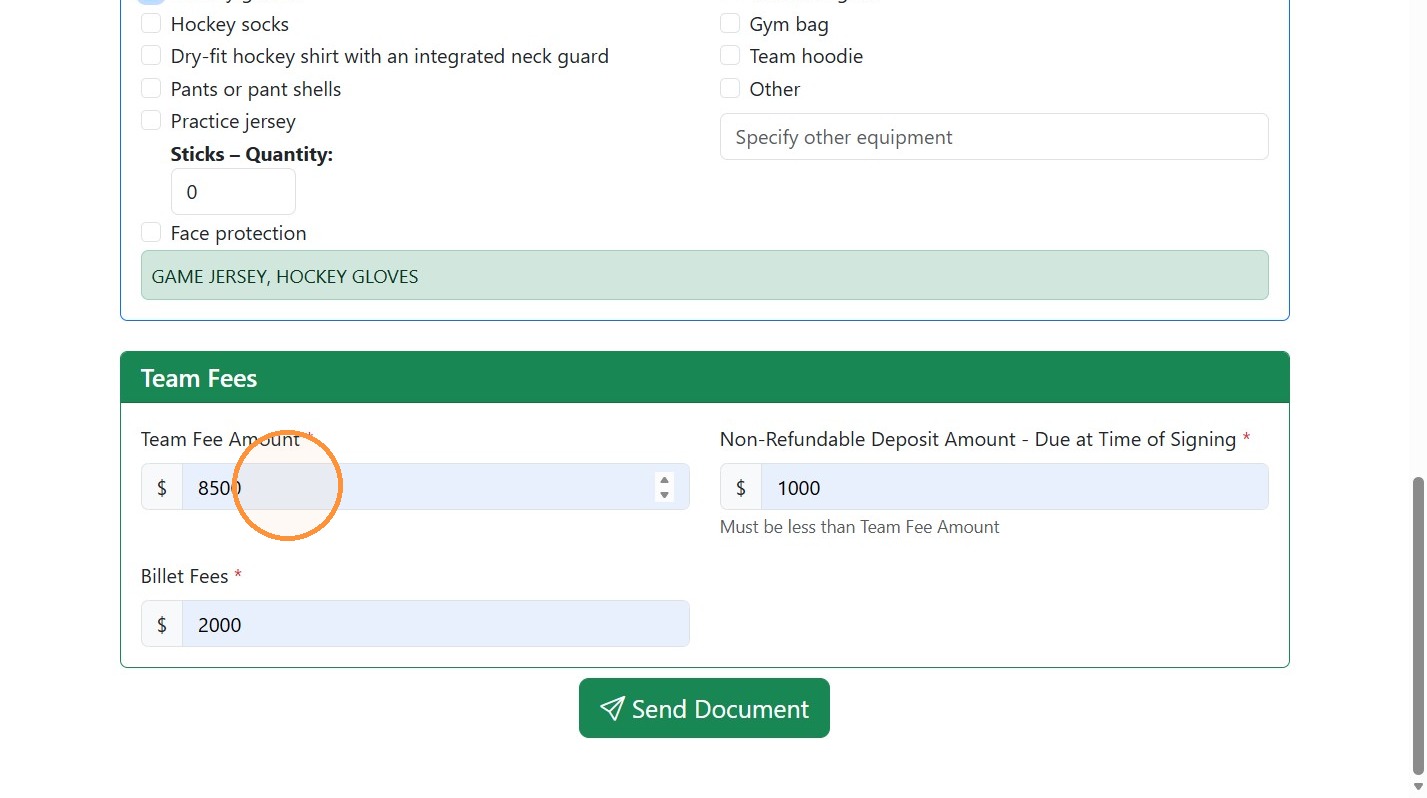
7. Click 'Send Document' to submit the form and send the contract details to the Player and Guardian to Review.