LEAGUE - Adding Player(s) to Protected Lists
LEAGUE - Adding Player(s) to Protected Lists
This guide provides a straightforward process for League staff to add players to a protected list, ensuring you can efficiently manage your league's protected lists for each organization. It outlines each step clearly, making it easy to follow even for those unfamiliar with the system. By using this guide, you can streamline your league's player management and ensure protected lists are correct.
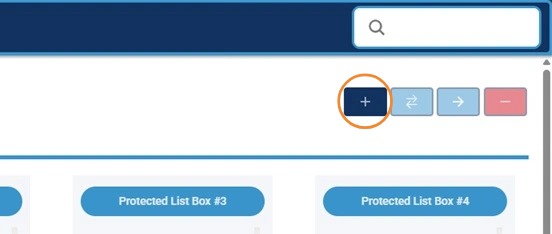
1. Click on the "+" Button to Open Add Player Screen
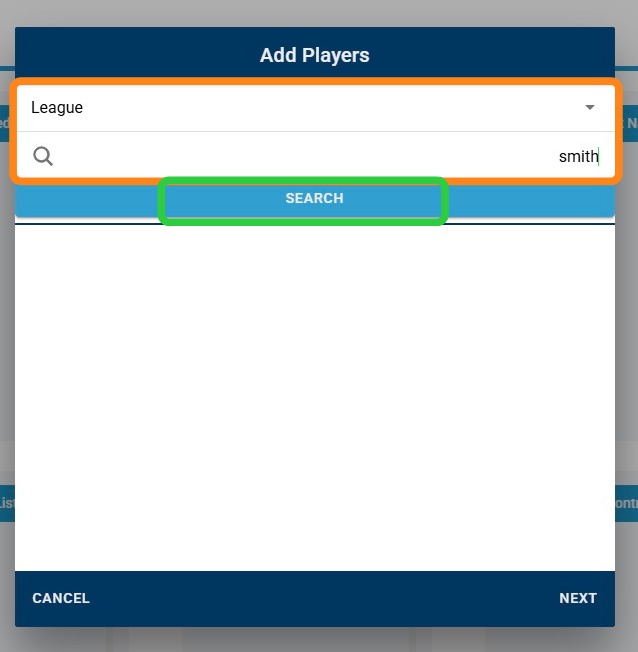
2. Use Either the Screen Bar to Search for Player Name OR Use "League" and "Team" Dropdowns to Find Full League or Team Roster, then Click "Search"
3. Click the "+" Button Next to Player(s) Name to Add to Add Process
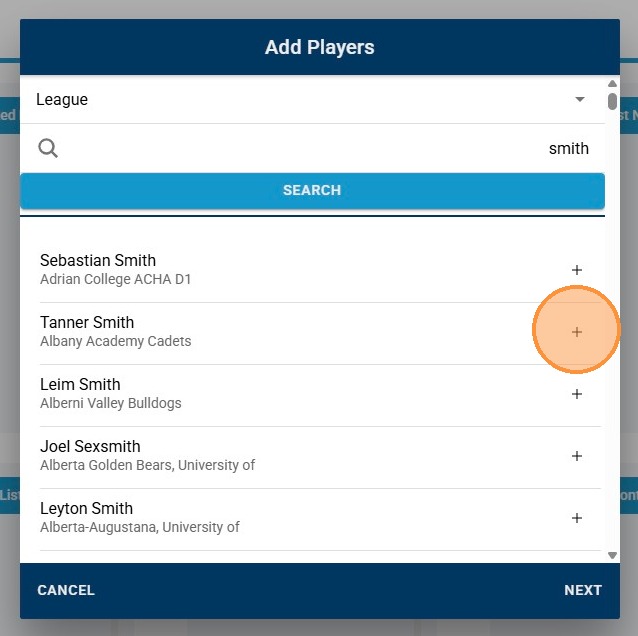
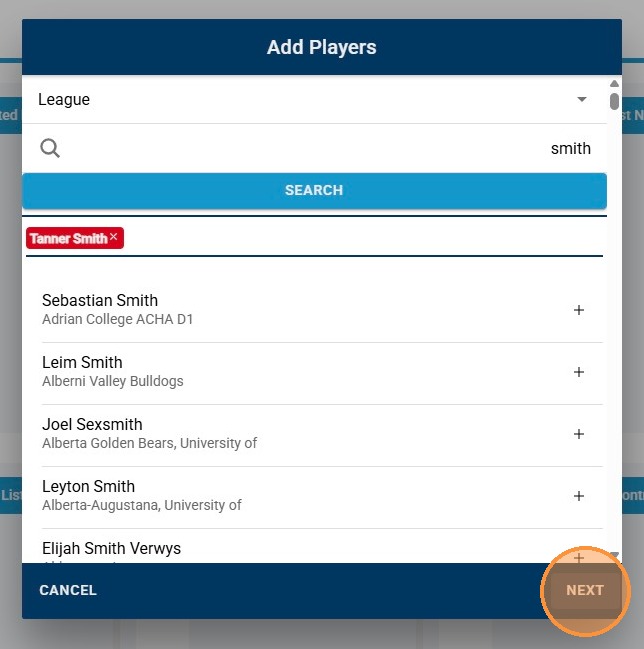
4. Click "Next" to Continue Add Process
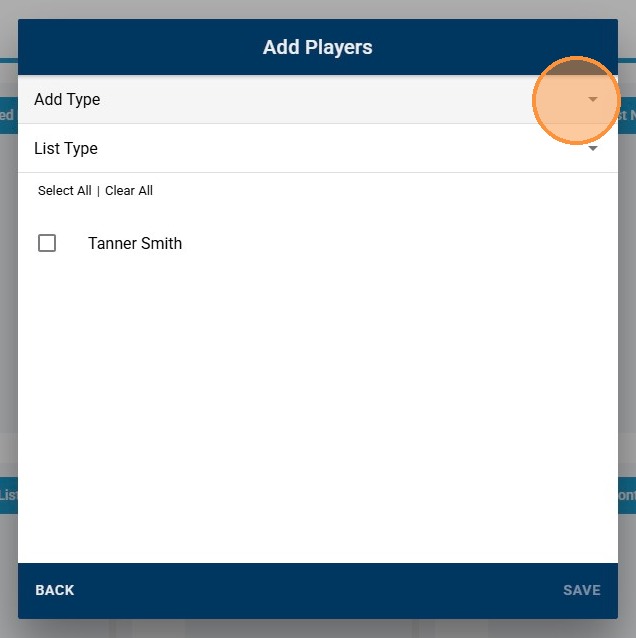
5. Click "Add Type" Dropdown
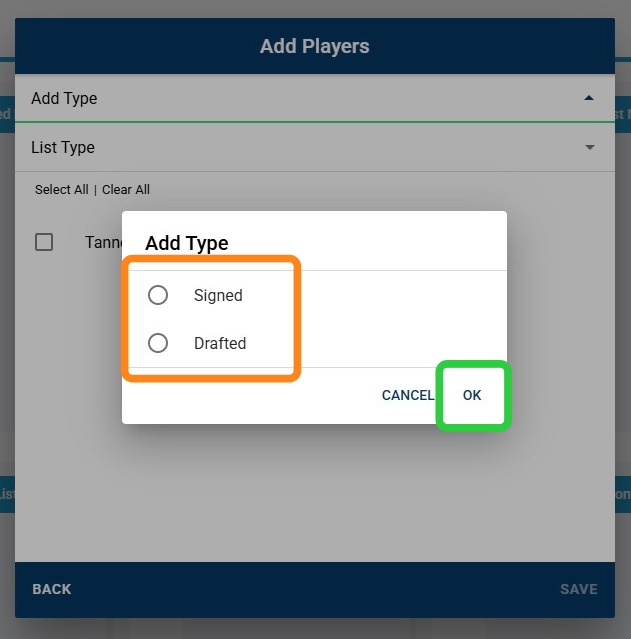
6. Select Player's Add Type, then "OK"
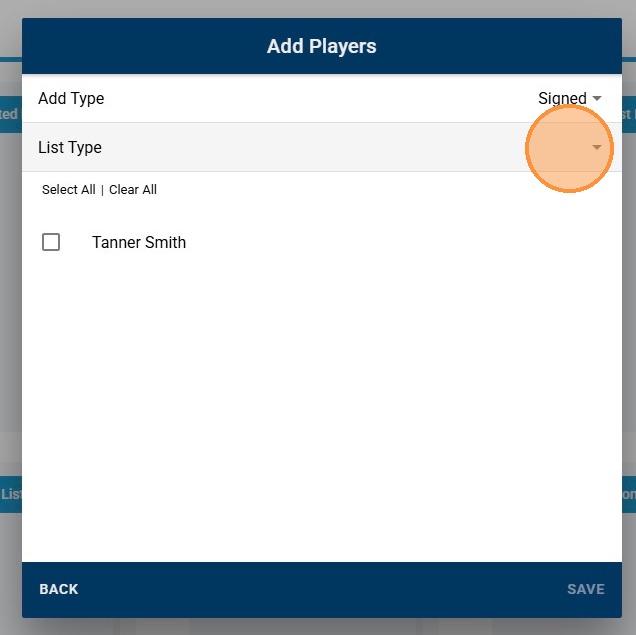
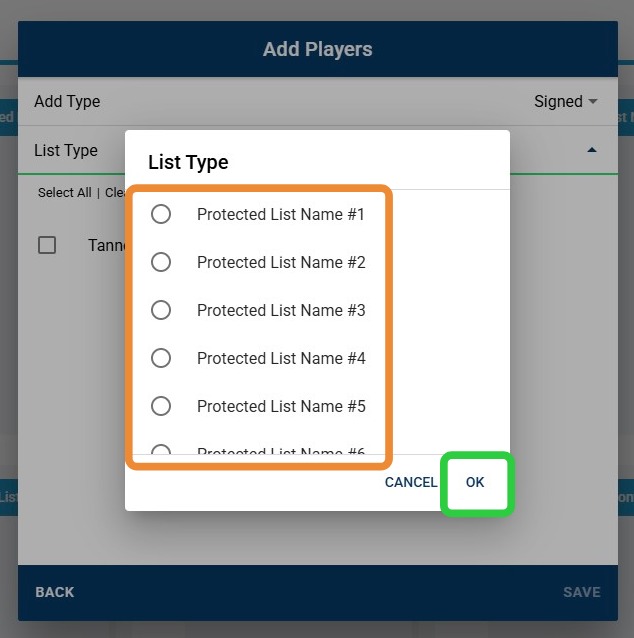
7. Click "List Type" Dropdown
8. Select Player's List Type, then "OK"
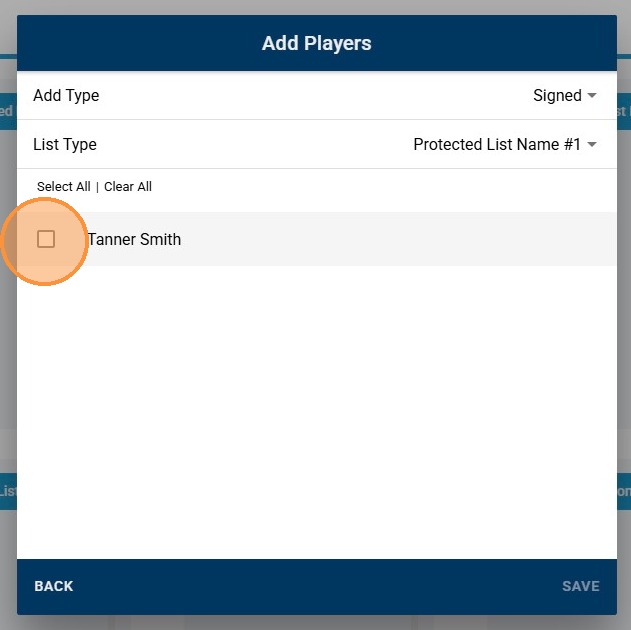
9. Check Off Player(s) You Are Adding
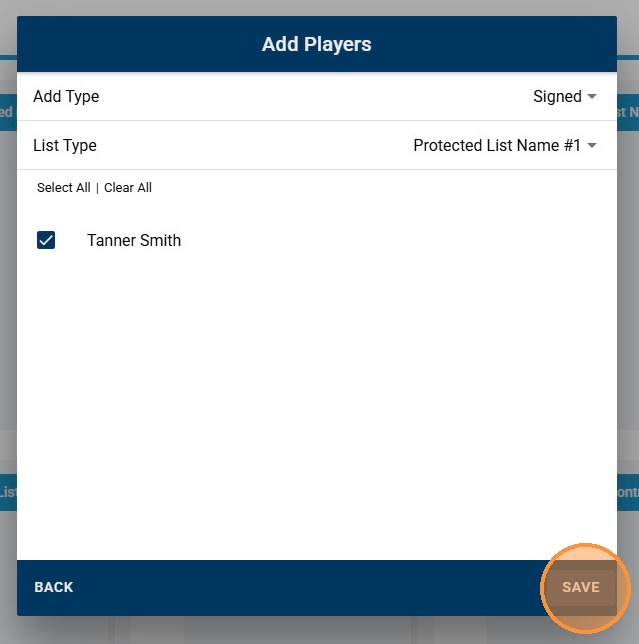
10. Click "Save"
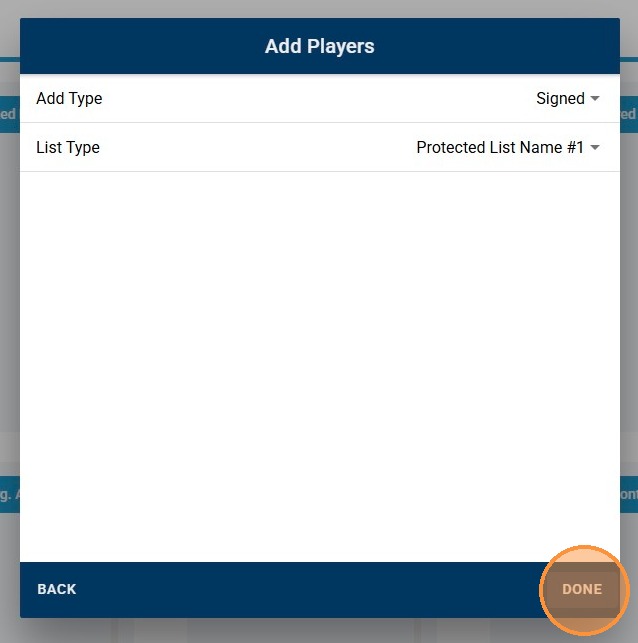
11. Click "Done" to Finalize Process