LEAGUE - Moving Players on Protected Lists
LEAGUE - Moving Players on Protected Lists
This guide provides a straightforward method for managing player movements within a protected list by League staff. It outlines simple steps to highlight, move, and confirm player transfers, ensuring efficient League management of team protected lists. By following this guide, users can streamline their protected list managing process.
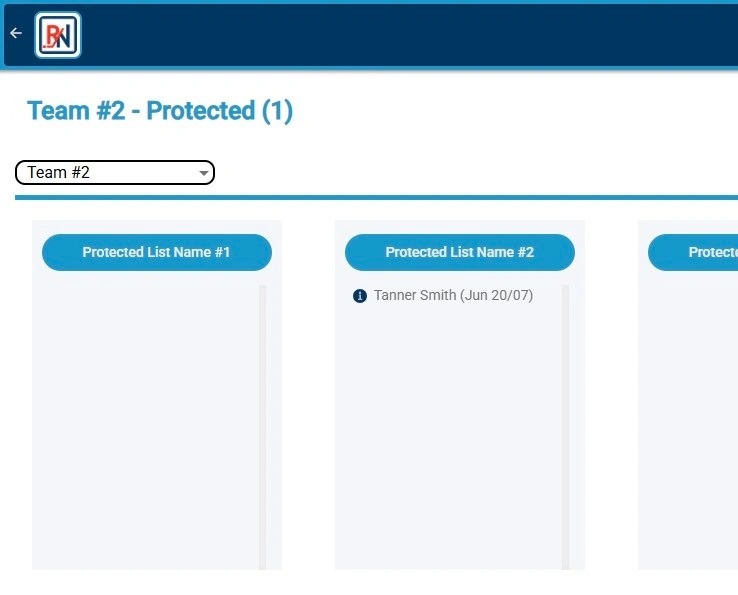
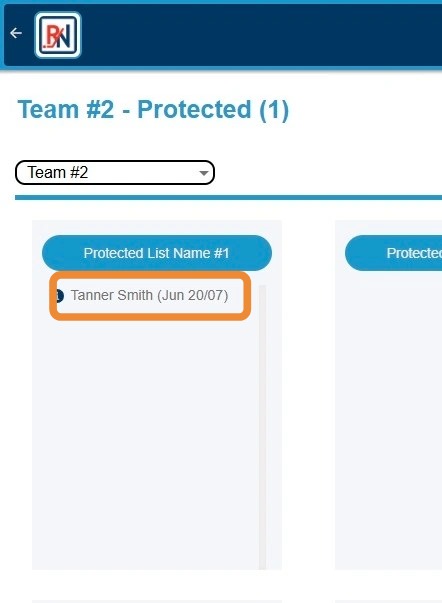
1. Click Player's Name to Highlight
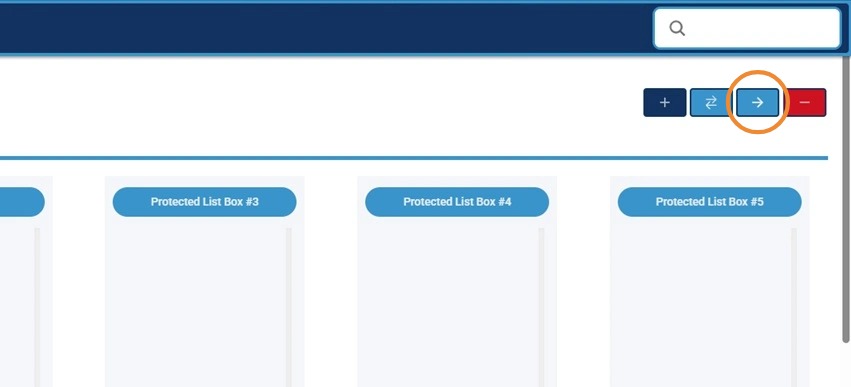
2. Click "->" Button to Begin Process to Move Player on Protected List
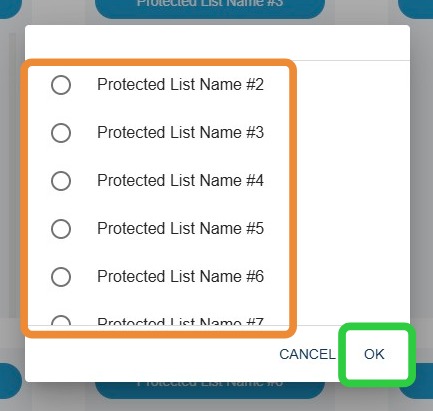
3. Click Protected List Bucket Player to Be Moved To, Then "OK"
4. Alternatively, Click and Drag Player to New Bucket to Move Player
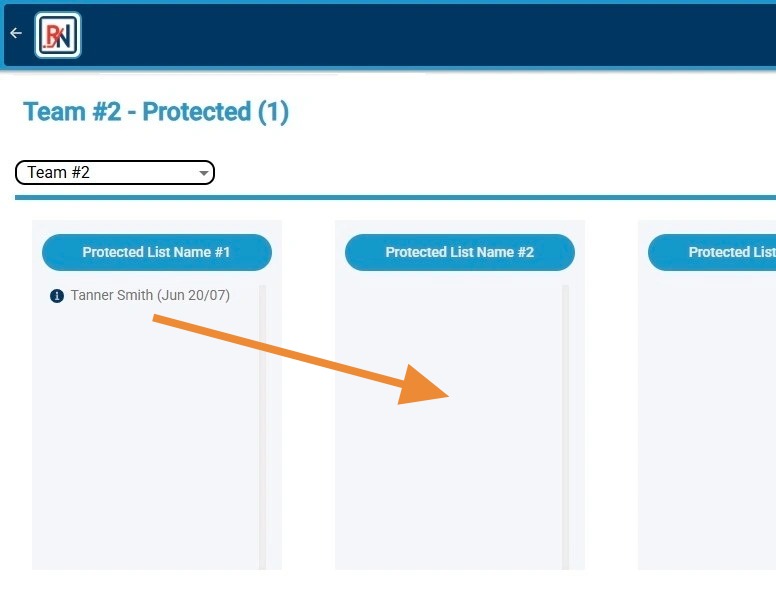
5. Screen Will Refresh and Player Will Appear in New Protected List Bucket