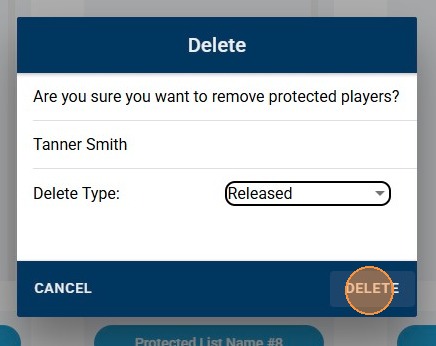
LEAGUE - Player Deletions in Protected Lists
LEAGUE - Player Deletions in Protected Lists
This guide provides a straightforward process for managing player deletions from protected lists done by League staff. It outlines simple steps to highlight, delete, and adjust deletion types for players, ensuring users can efficiently manage their league's team protected lists. By following this guide, users can streamline their league management and maintain an organized protected list for each team in their league.
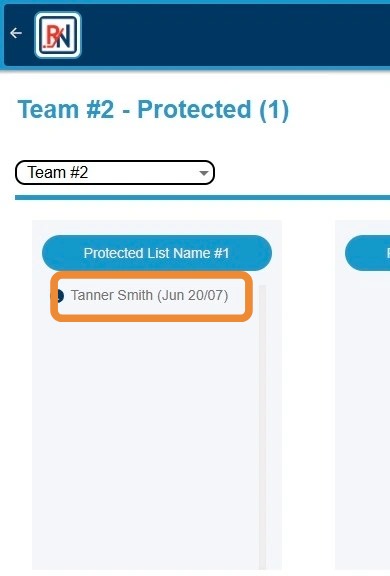
1. Click Player's Name to Highlight
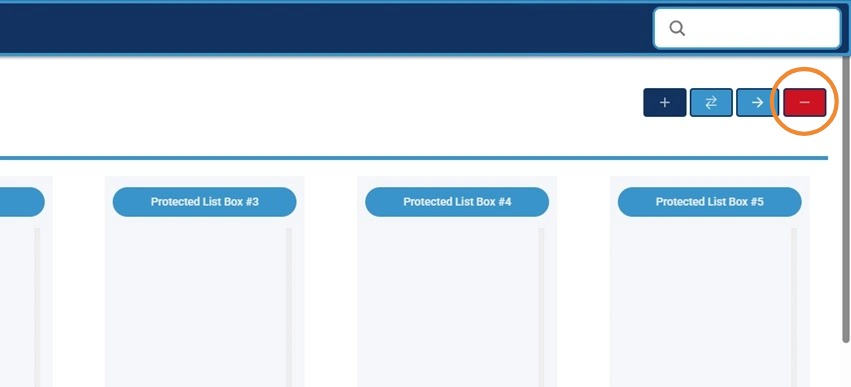
2. Click "-" Button to Begin Player Deletion Process on Protected List
3. Click "Delete Type" Dropdown To Adjust Type of Deletion for Player
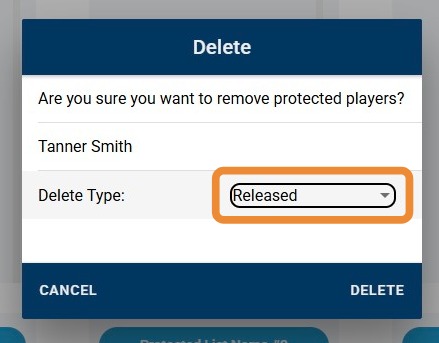
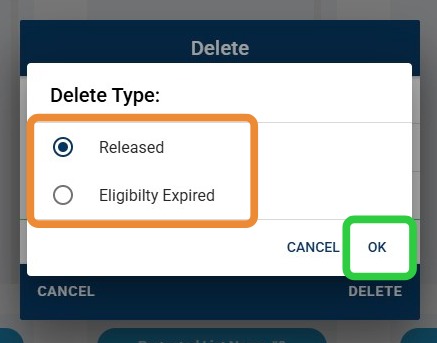
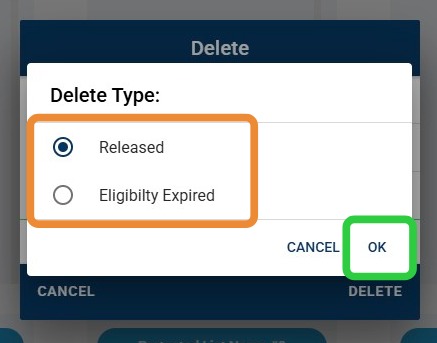
4. Click Applicable Delete Type of Choice, Then "OK"
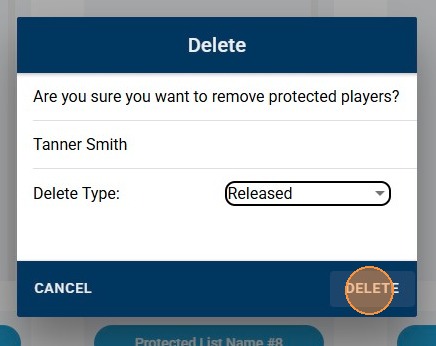
5. Click "Delete" to Delete Player from Protected List
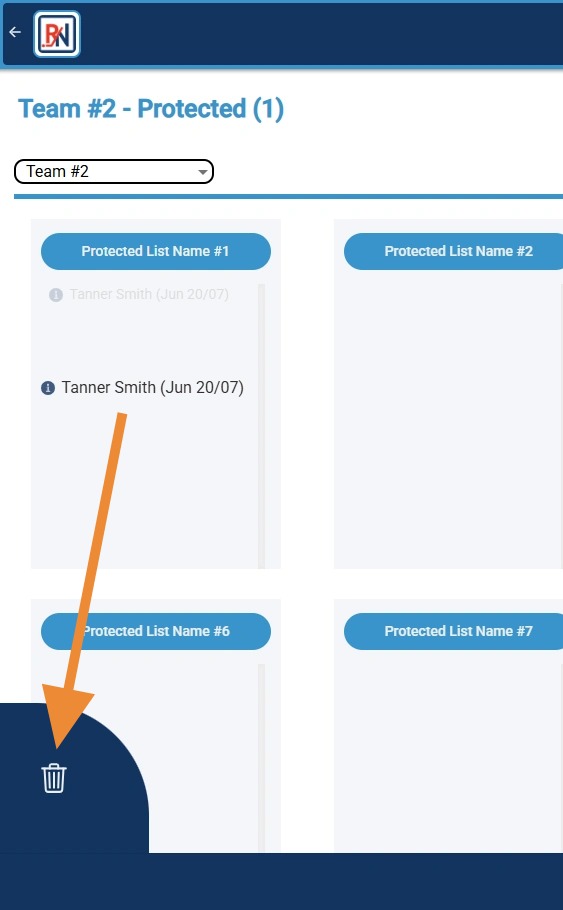
6. Alternatively, Click and Drag Player to Garbage Can Icon to Delete Player
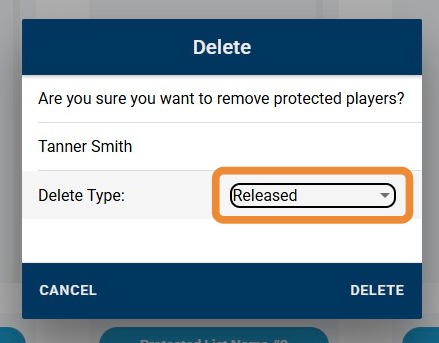
7. Click "Delete Type" Dropdown To Adjust Type of Deletion for Player
8. Click Applicable Delete Type of Choice, Then "OK"
9. Click "Delete" to Delete Player from Protected List