Requesting Player Deletions in Protected Lists
Requesting Player Deletions in Protected Lists
This guide provides a straightforward process for requesting player deletions from protected lists. It outlines multiple methods for initiating deletions, allowing for flexibility based on user preference. By following these steps, you can efficiently submit deletion requests for league review, streamlining roster management and maintaining compliance with league rules.
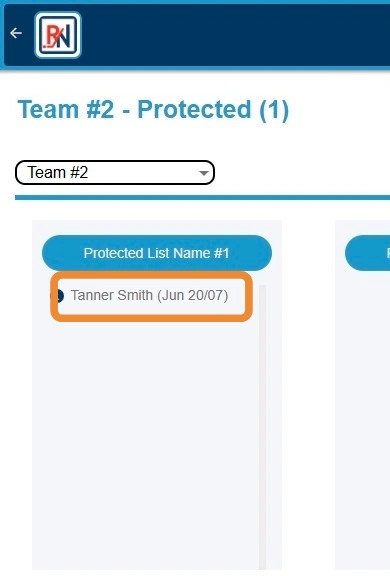
1. Click Player's Name to Highlight
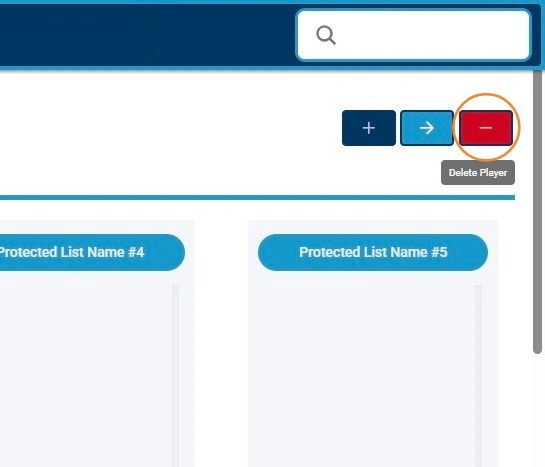
2. Click "-" Button to Begin Request to Delete Player on Protected List
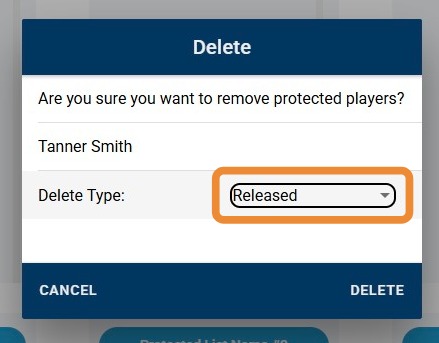
3. Click "Delete Type" Dropdown To Adjust Type of Deletion for Player
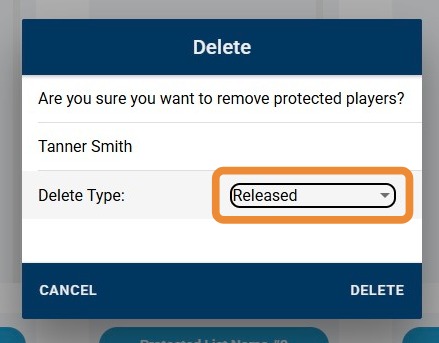
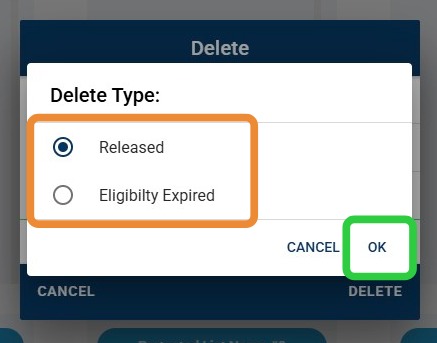
4. Click Applicable Delete Type of Choice, Then "OK"
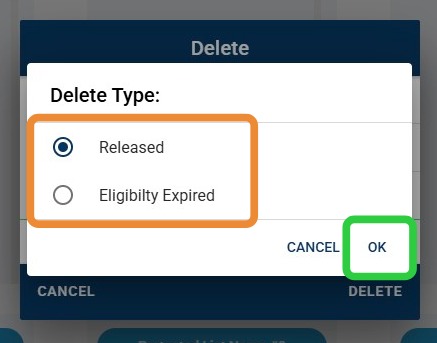
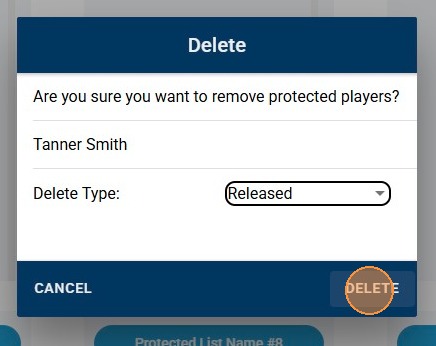
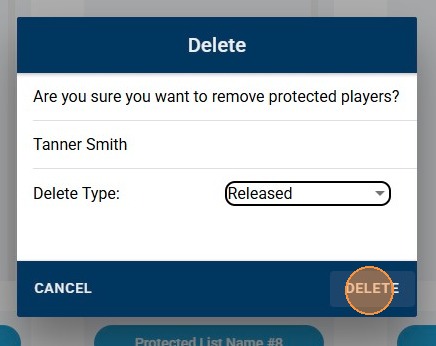
5. Click "Delete" to Submit Deletion Request
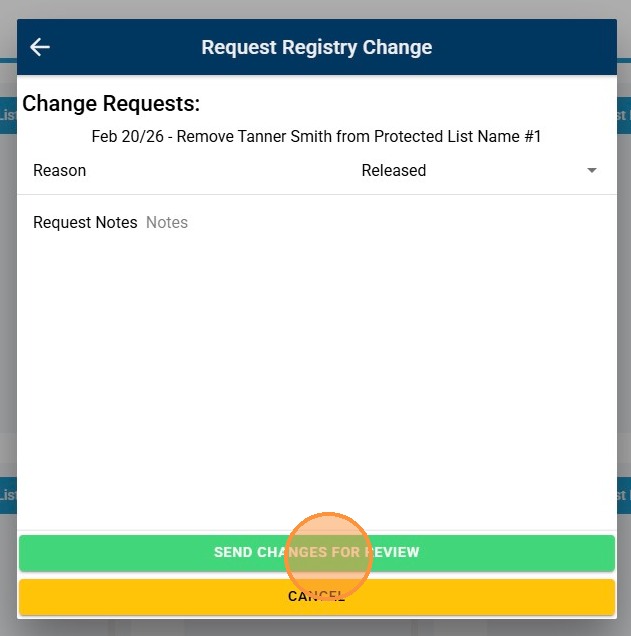
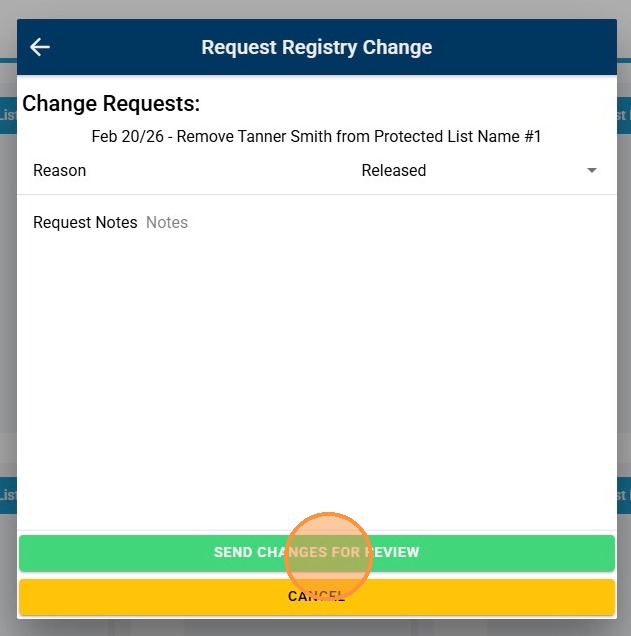
6. Click "Send Changes for Review" to Send to League for Review
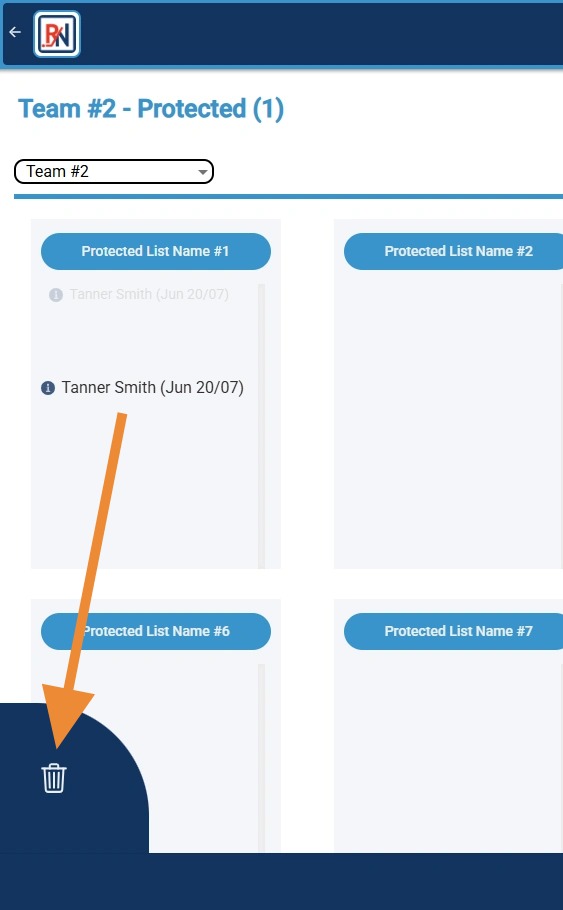
7. Alternatively, Click and Drag Player to Garbage Can Icon to Request Player Deletion
8. Click "Delete Type" Dropdown To Adjust Type of Deletion for Player
9. Click Applicable Delete Type of Choice, Then "OK"
10. Click "Delete" to Submit Deletion Request
11. Click "Send Changes for Review" to Send to League for Review
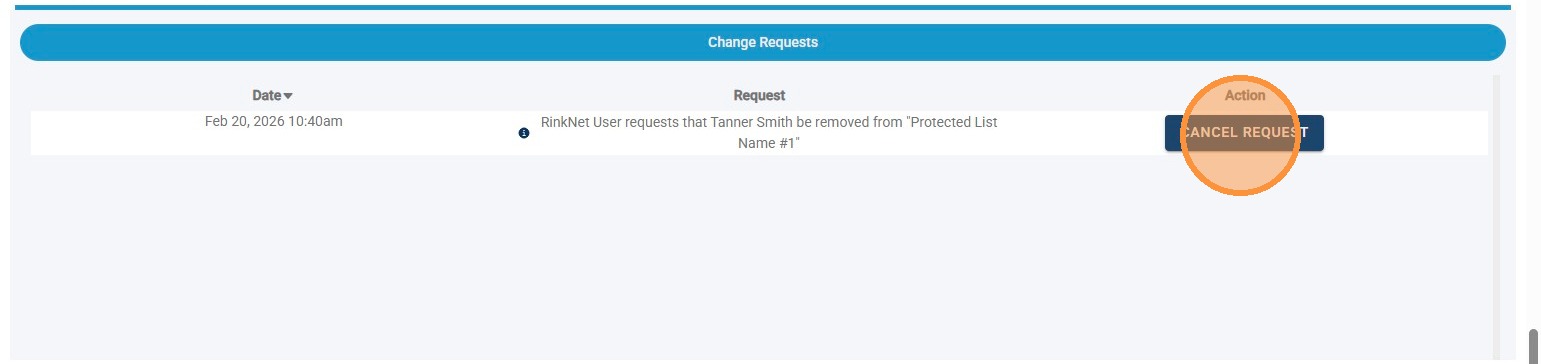
12. To Cancel a Submitted Deletion Request, Click "Cancel Request"