Requesting Player Movement in Protected Lists
Requesting Player Movement in Protected Lists
This guide provides a straightforward process for requesting player movement within protected lists. It outlines essential steps, including highlighting players, selecting movement options, and submitting requests for league review through two different methods. By following this guide, users can easily navigate the player movement process, track requests, and make adjustments as needed, enhancing their overall team management experience.
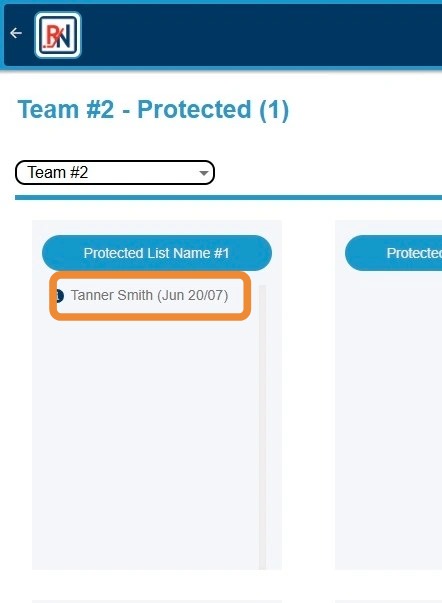
1. Click Player's Name to Highlight
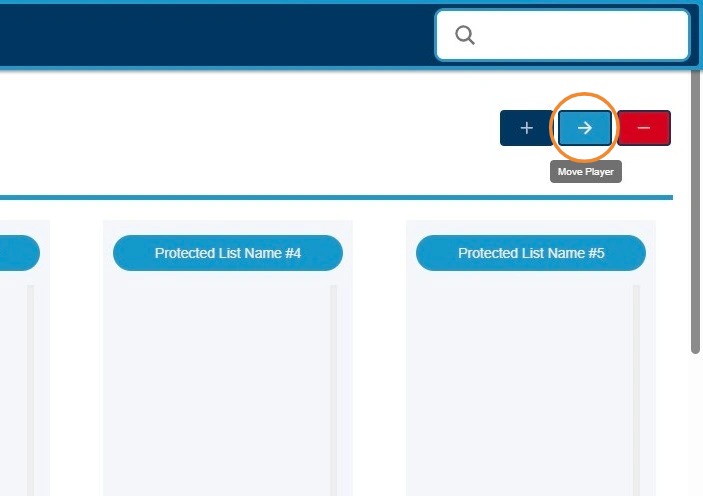
2. Click "->" Button to Begin Request to Move Player on Protected List
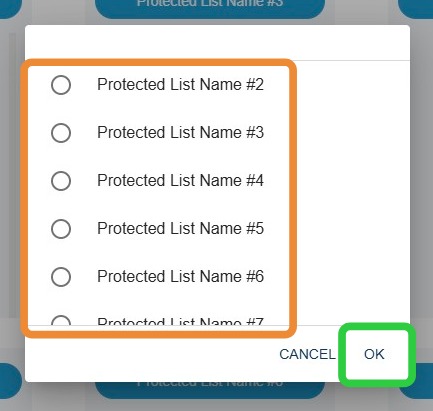
3. Click Protected List Bucket Requesting Player to Be Moved To, Then "OK"
4. Click "Send Changes for Review" to Send to League for Review
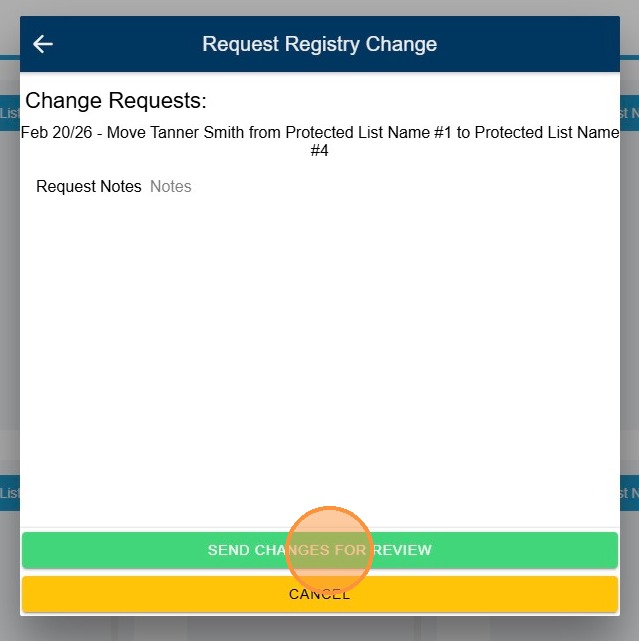
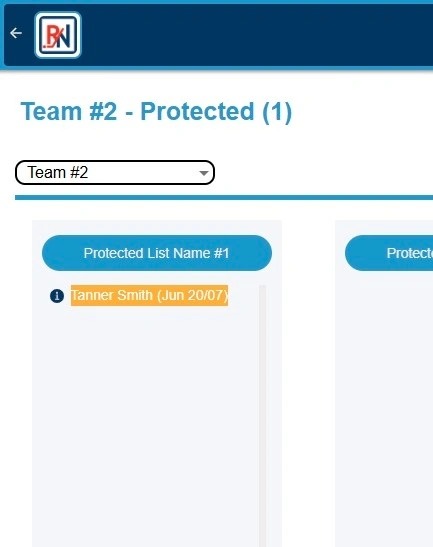
5. Requested Player Movement Will Appear in ORANGE Until Approved/Rejected By League
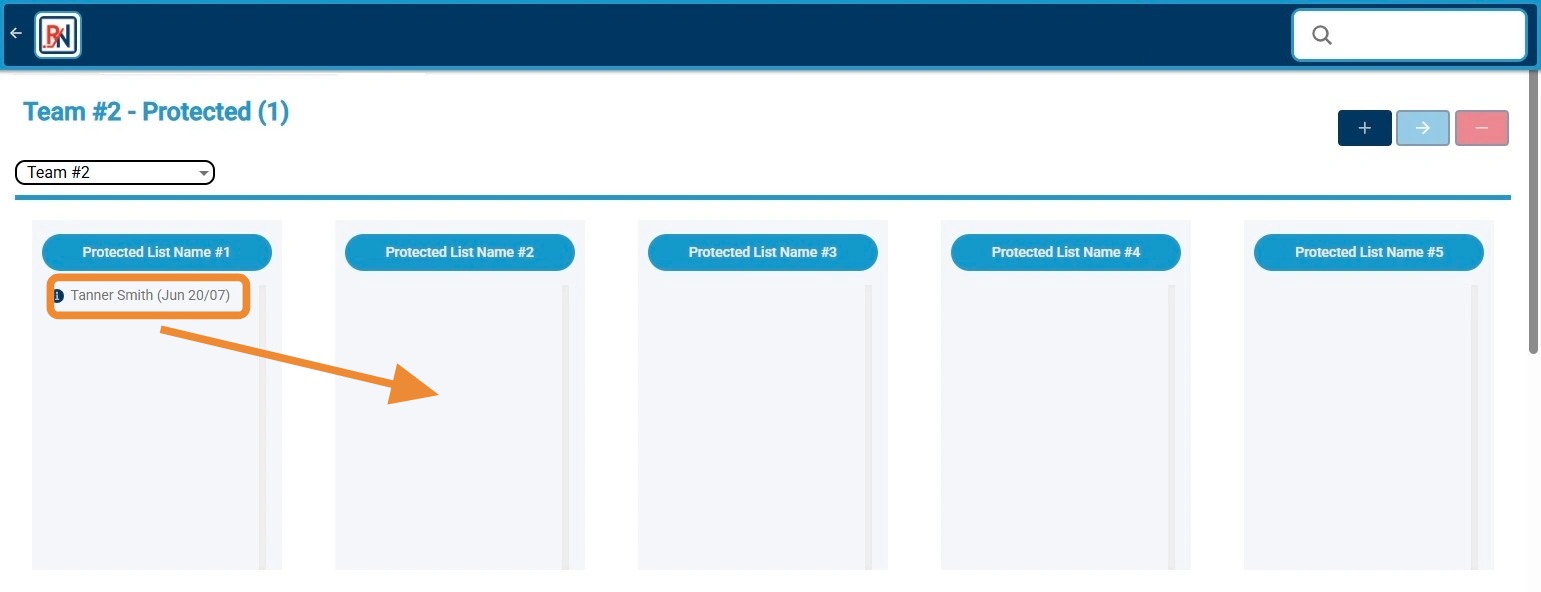
6. Alternatively, Click and Drag Player to New Bucket to Request Player Movement
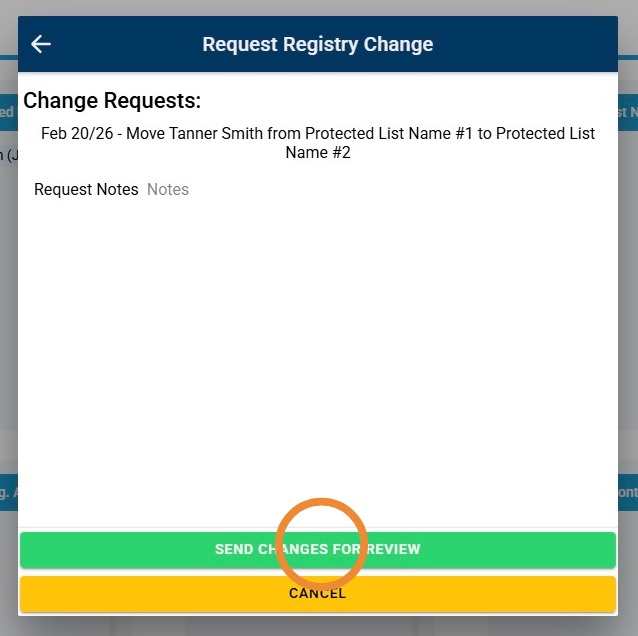
7. Click "Send Changes for Review" to Send to League for Review
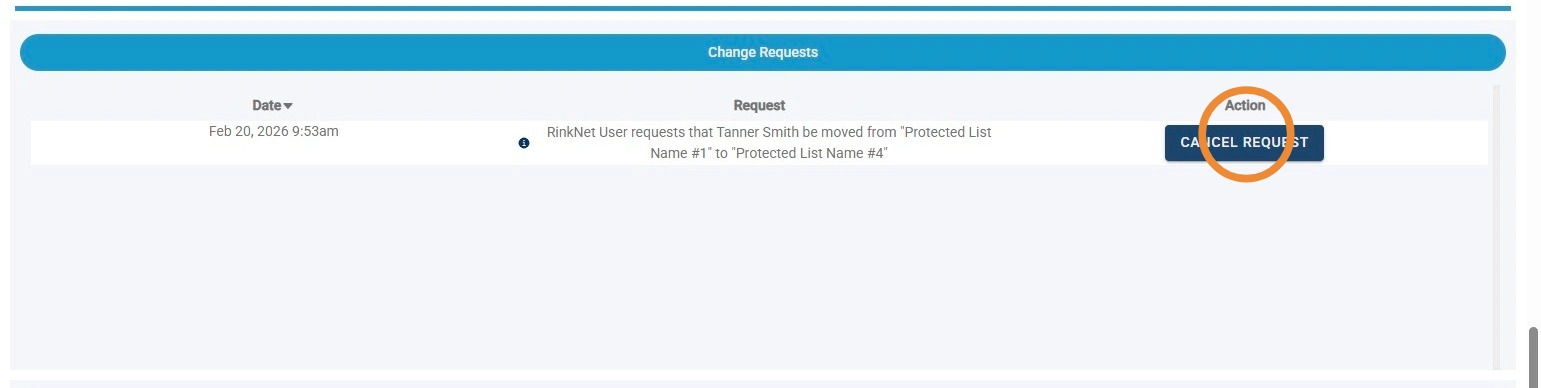
8. To Cancel a Submitted Request, Click "Cancel Request"