Viewing Video Vault Content in RinkNet Online
This guide provides a straightforward method for accessing and viewing Video Vault content on RinkNet, making it easy for users to find and watch player Video Vault content. By following the simple steps outlined, users can efficiently navigate the platform to discover Video Vault content through a player's Player Info page. A full list of player's with Video Vault content can also be accessed through the menu options, which is outlined in the guide.
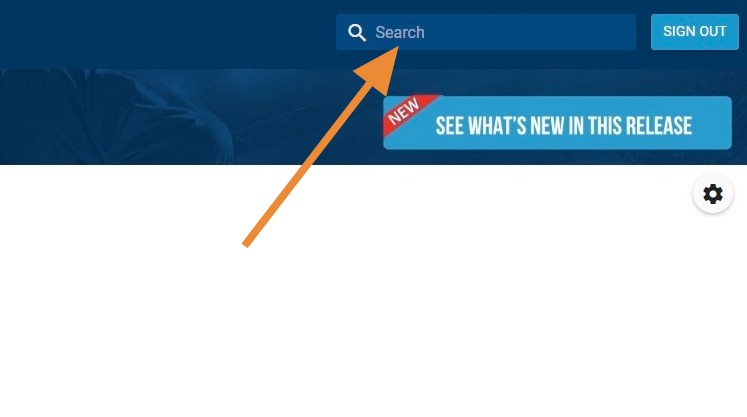
1. Enter Player's Name in Search Field in Top Right Corner, Then Click "Enter" or Magnifying Glass to Search
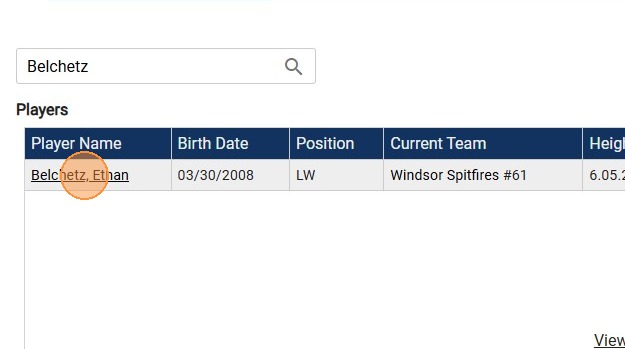
2. Click Player's Name in Search Results You Wish to View
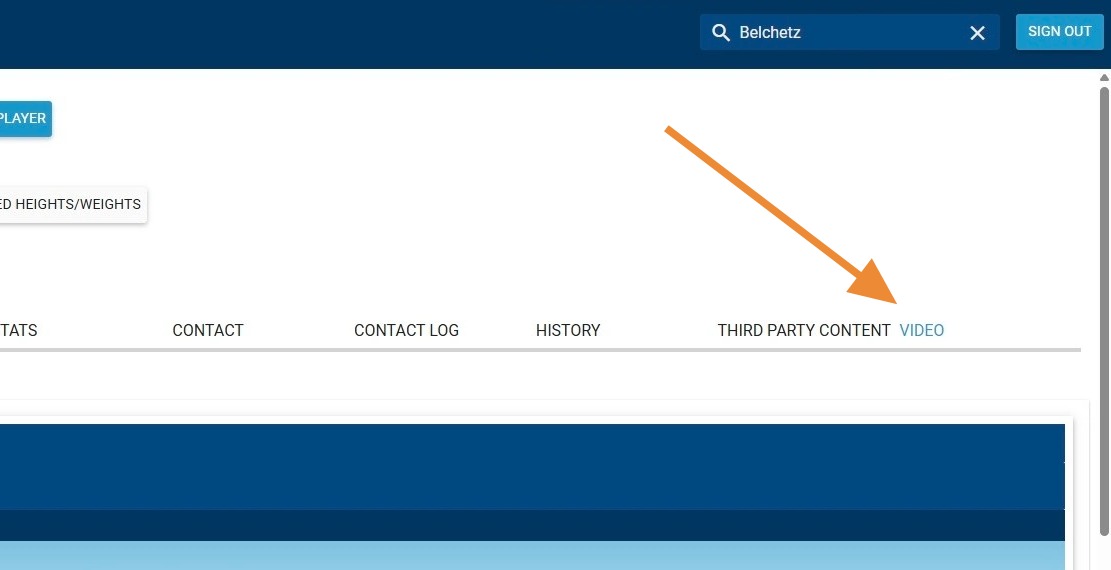
3. Click "Video" on Player's Player Info Page
4. Click "View" in Video Vault Video Provider Box
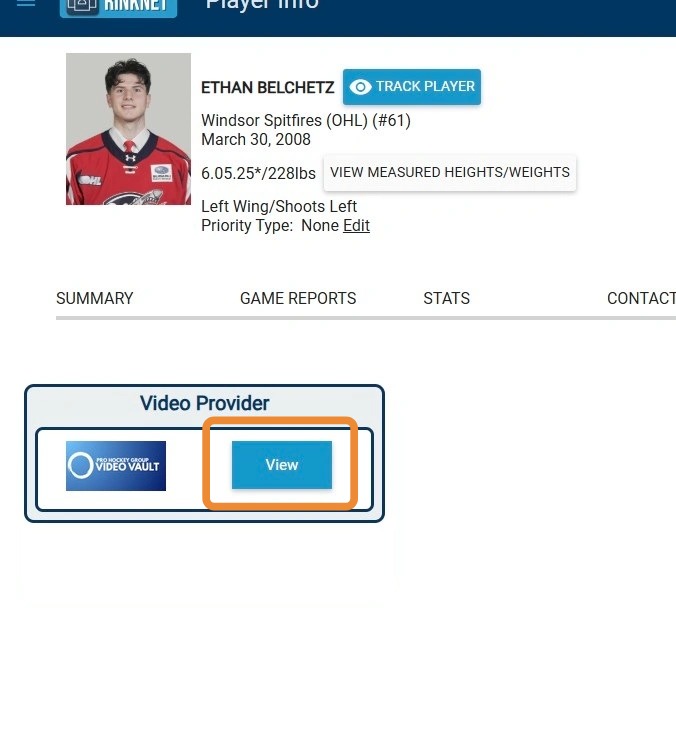
5. Video Vault Player Will Open on First Video (Click Play to View Video)
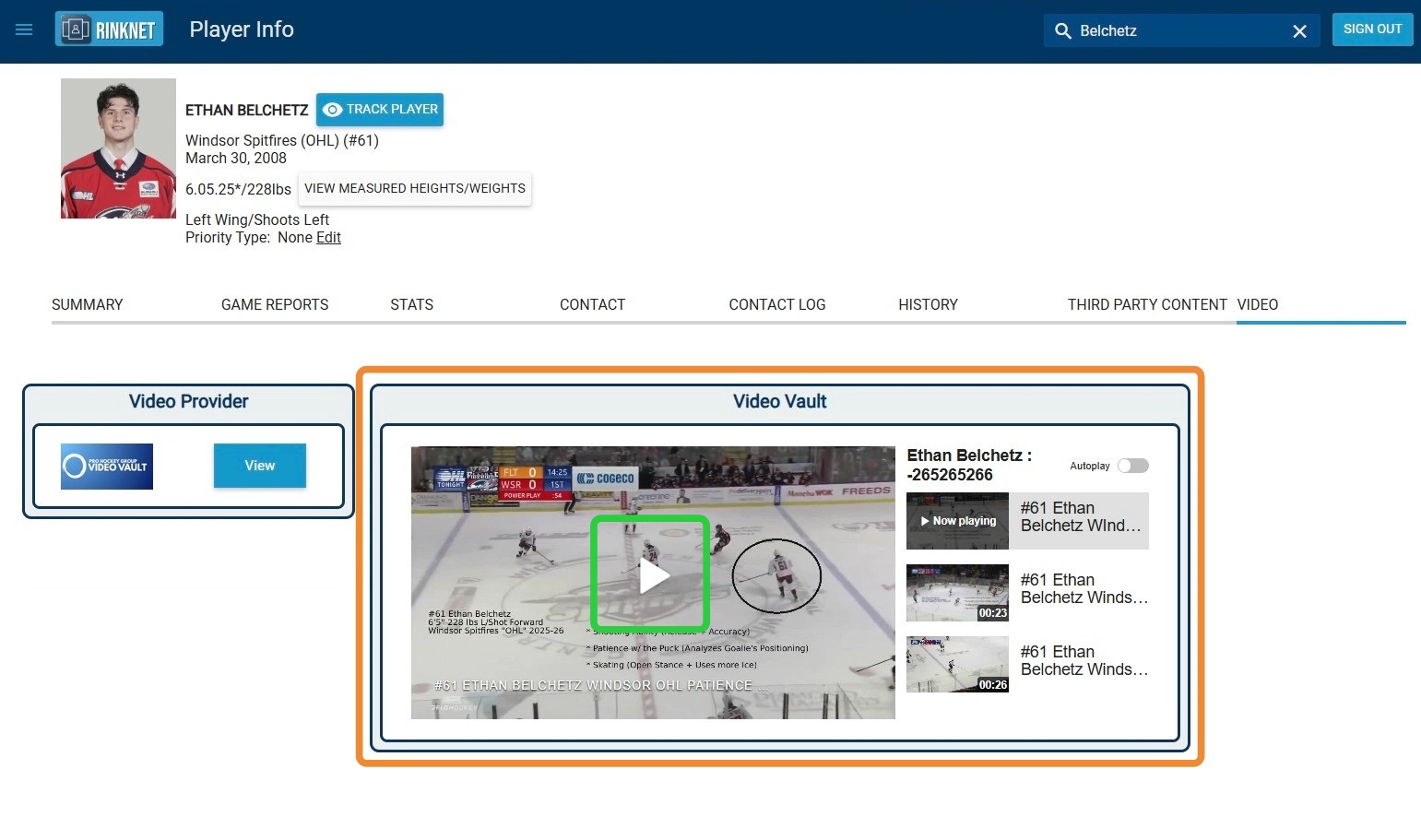
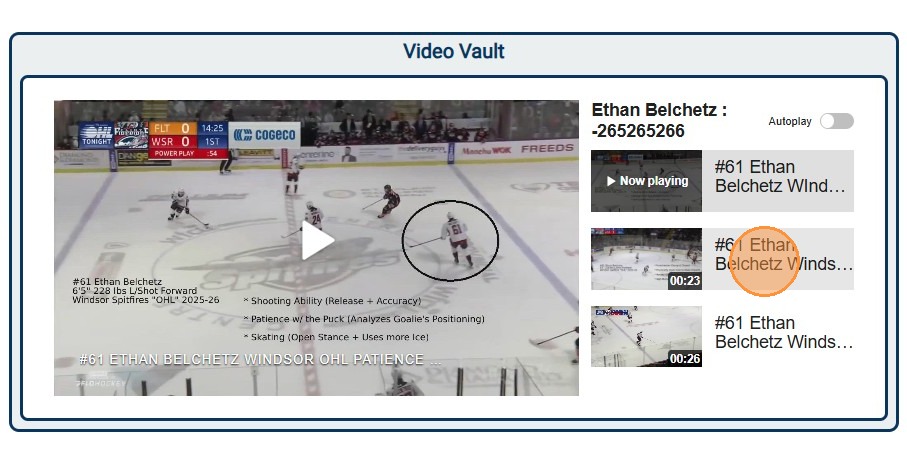
6. To View Additional Video Vault Content for Player, Click on Next Video Along Right Side of Screen (Click Play to View Video)
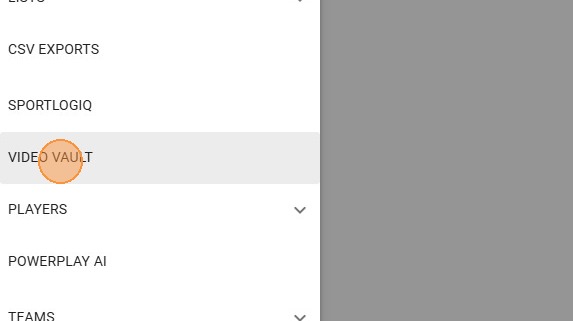
7. To See List of Players with Video Vault Content, Click the Three Line Button in the Top Left Corner
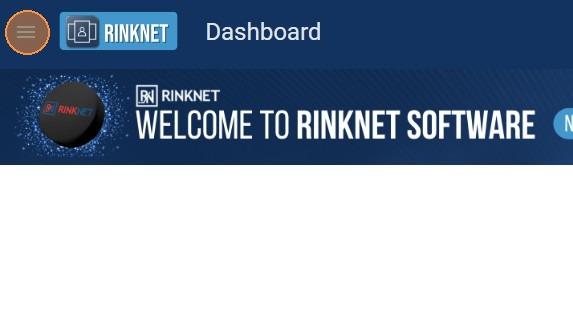

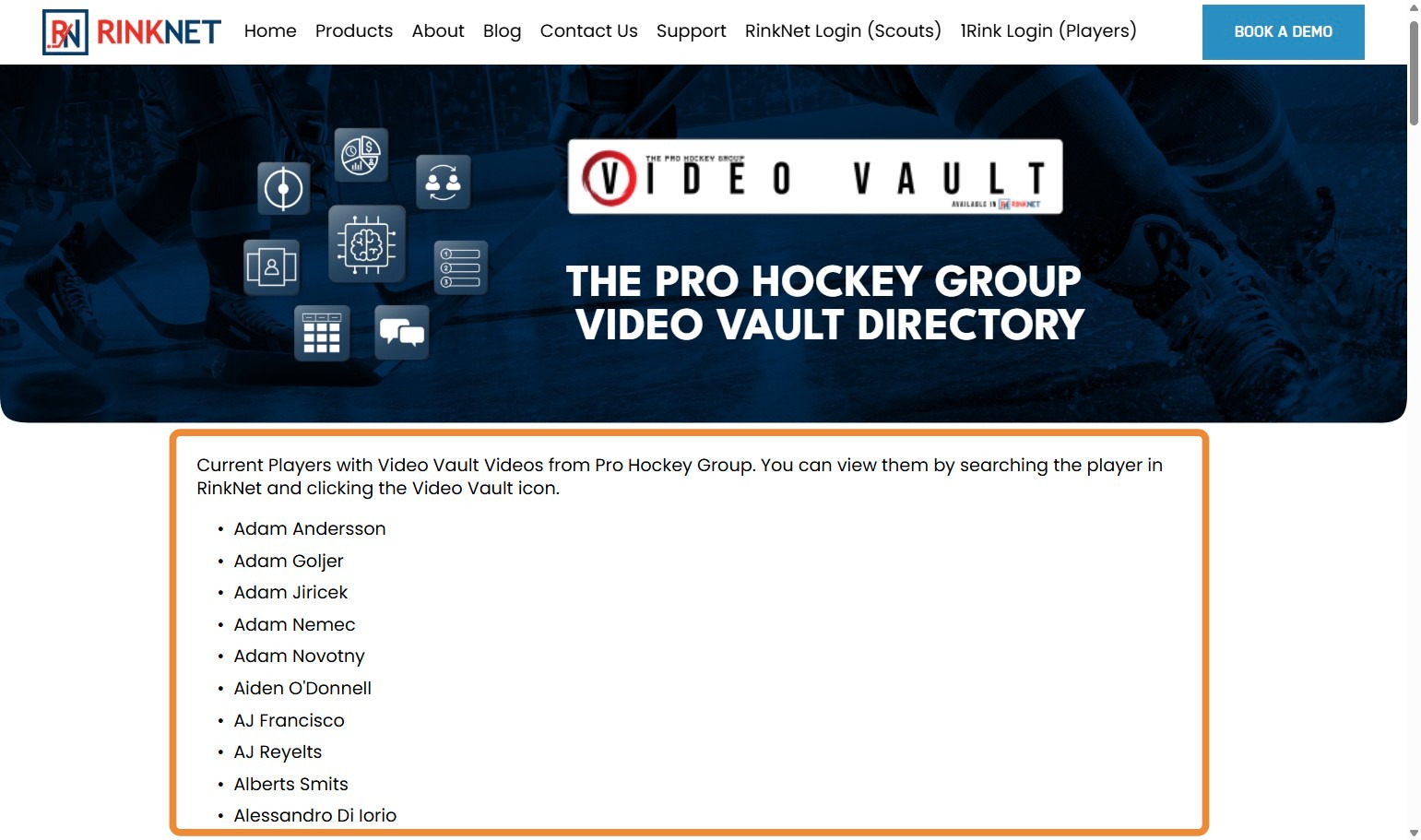
9. List of Players With Video Vault Content Will Open on RinkNet Website (Scroll Down Website to See Full List)
Related Articles
Accessing Video Vault in Press Room App
Accessing Video Vault in Press Room App This guide provides a straightforward method for accessing and navigating the Video Vault feature in the Press Room App, allowing users to easily view Video Vault content directly from Press Room App. By ...
RinkNet Online - How to access
Tutorial Video: https://youtu.be/6UNbkof8xVs How to Access RinkNet is available in an Online format. You can access this platform on any web-enabled device, such as a Computer web-browser, Tablet or phone. Open a web browser on one of these devices ...
Online Depth Charts - Editing
Online Depth Chart Editing Watch on Youtube: Click HERE Teams that use RinkNet Depth Charts can now edit those depth charts in the online program. This new tool is an extension of the offline program – meaning no additional setup is required. If ...
RinkNet Online - Editing Priority Players
You can modify your priority players in RinkNet Online. This includes using RinkNet online on your Laptop, Tablet or Phone. 1. To do this, go to your RinkNet Online Dashboard If you need help accessing your RinkNet Online ...
Accessing HockeyTV Pro in RinkNet Online
HockeyTV Pro access is available through RinkNet Online. Instead of access to HockeyTV.com itself, we have incorporated HockeyTV directly into the RinkNet Online portal to allow a single sign-on to access RinkNet and HockeyTV. Within the Media Center ...